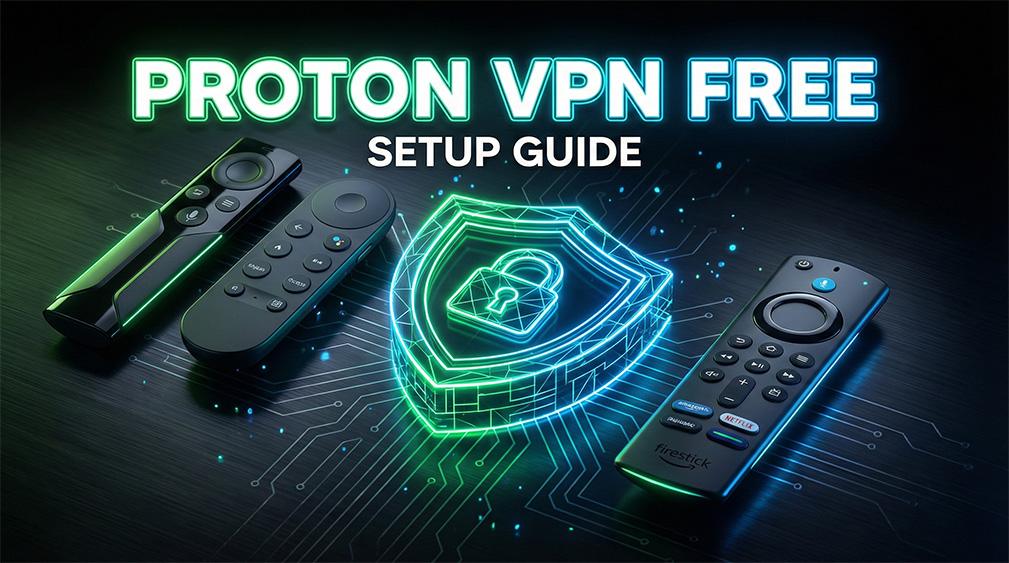
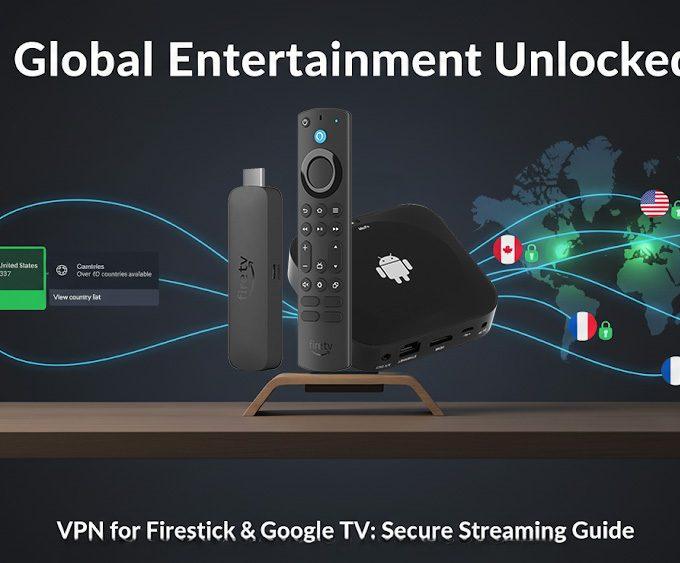
A simple, safe and fast way to protect your streaming devices with Proton VPN Free.
If you want a private, secure, and reliable way to stream on your Firestick or Google TV, Proton VPN Free Firestick is one of the strongest options available. Unlike many free VPNs that log your data or inject ads, Proton VPN Free provides strong privacy protections, open-source apps, and unlimited usage. As a result, it has become one of the safest choices for streaming devices.
There are hundreds of free VPNs in the app stores. However, most are risky because they collect data, show ads, or hide behind unknown owners. Fortunately, Proton VPN Free is different. It is a genuinely safe, privacy-focused option. In this guide, you’ll learn how to install it, how to sign in easily, and why it remains a top pick for streaming users.
🔗 Explore More Streaming Tutorials
👉 You can browse all our guides in the Streaming Guides & How-To category — covering setup tips, privacy tools, optimisation tricks, and device-specific walkthroughs.
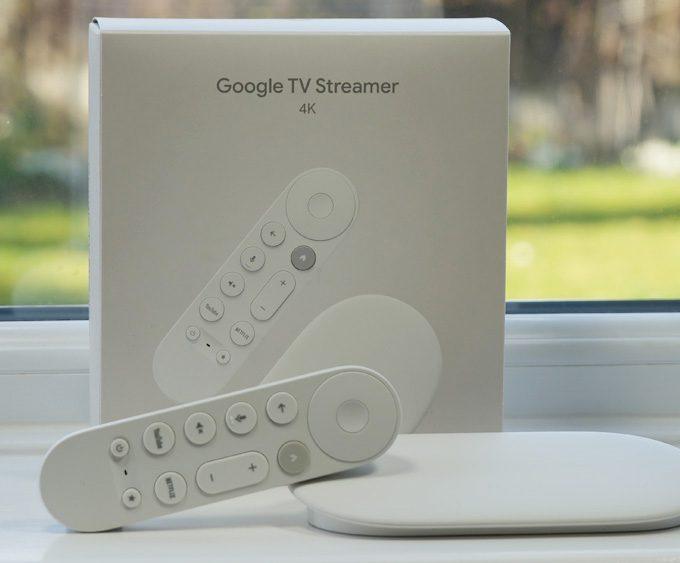
👉 If you’re just setting up your device, you may also find our Firestick 2025 Setup Guide and Google TV Streamer 4K Review helpful.
Most free VPNs are unsafe. They often sell user data, throttle speeds, or display ads. Proton VPN Free stands out because of:
🇨🇭 Swiss-based privacy laws outside EU/US surveillance alliances
📜 Independently audited no-logs policy
🔍 Open-source apps anyone can analyse
🚫 No ads, no data caps, no speed restrictions
💸 Funded through paid users rather than data harversting
Additionally, if you’re someone who values privacy across multiple devices, you may also enjoy our deep-dive hardware guides, such as the NVIDIA Shield TV Pro Review, which offers excellent performance comparisons.
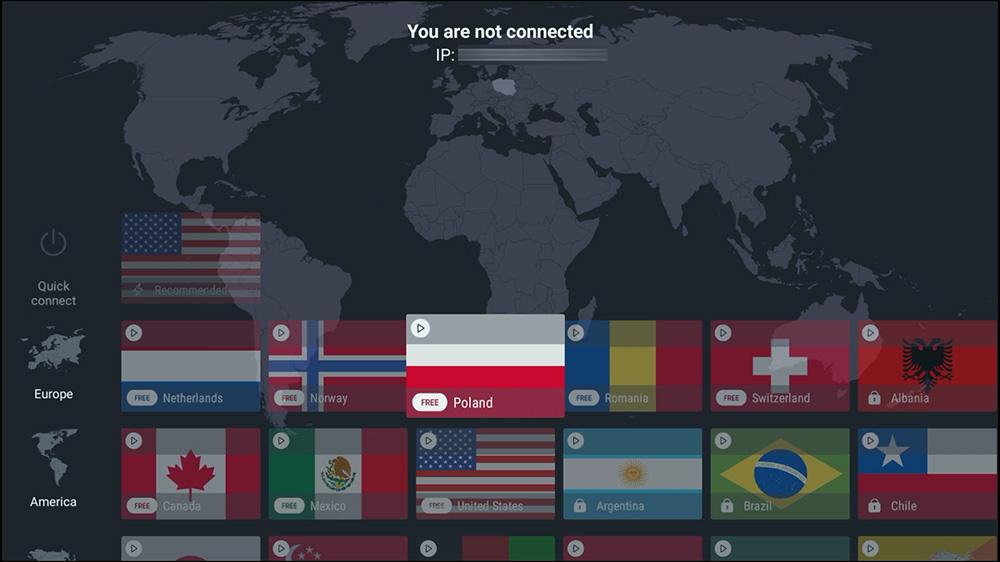
There are now 10 free Proton VPN server locations available for Firestick, Google TV and Android TV users.
The free tier includes servers in the following regions:
Because these additional locations distribute user traffic more evenly, free users gain better speeds, reduced congestion, and more stable performance overall.
👉 You can verify free server locations on the official page: https://protonvpn.com/free-vpn
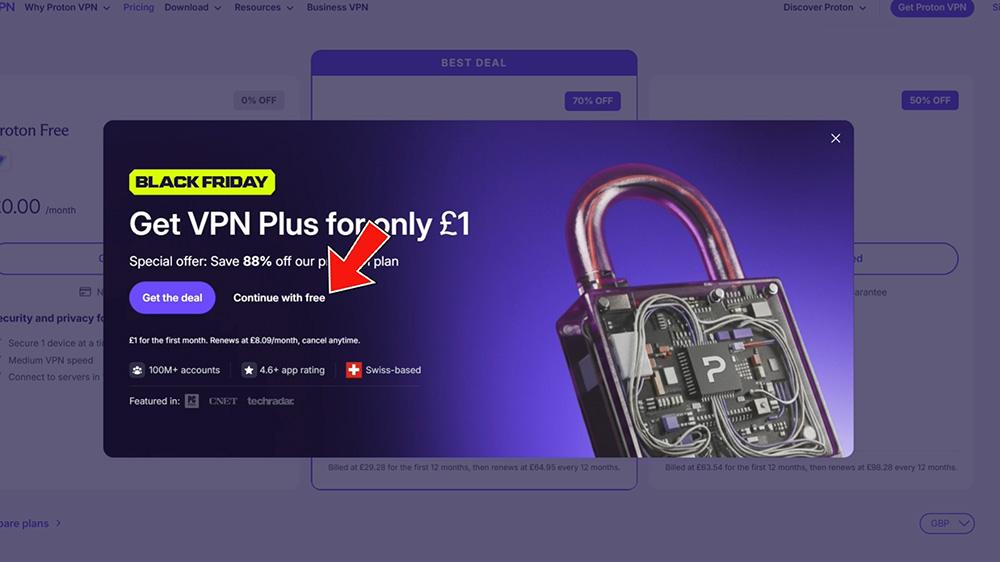
Creating a free account only takes a moment:
After completing these steps, your account is ready to use with the Proton VPN Free Firestick setup process below.
If you’re working on broader device setup, see our Best Firestick 4K HDR Settings Guide for optimised picture performance.
Step 1 — Install the App
Start by searching Proton VPN in your app store (Fire TV, Google TV, Nvidia Shield).
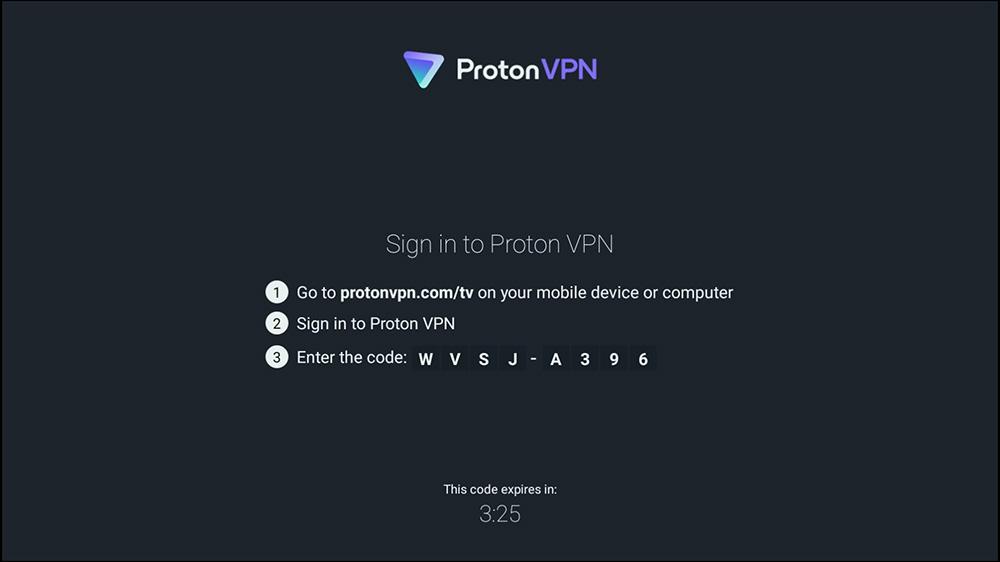
Step 2 — Use the TV Sign-In Code
Open the app, choose Sign in, and you’ll see an 8-digit login code appear on your screen.
Step 3 — Link Your Device Without Typing
Visit https://protonvpn.com/tv on your phone or computer, sign in, and enter the 8-digit code. Within seconds, your TV app will log in automatically.
This method avoids typing long email addresses with a remote, which is a welcome improvement for Firestick users.
Step 4 — Connect to a Free Server
Choose any server labelled Free.
Servers with padlocks are for paid tiers.
Alternatively, you can use Quick Connect, which automatically selects the best free server.
Once connected, Proton VPN Free offers several advantages:
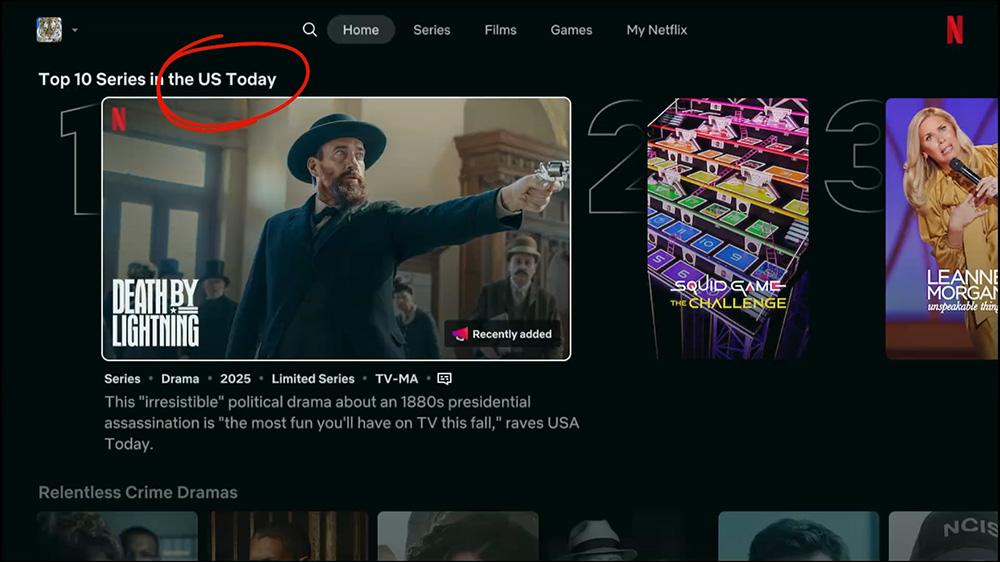
During testing, Proton VPN Free successfully accessed US Netflix from the UK. Although this isn’t guaranteed for all streaming services, the privacy benefits alone make it worthwhile.
For updates on software changes affecting Fire TV, Google TV, and smart home devices, explore our Streaming Device News section.
Most free VPNs should be avoided because they:
❌ Sell your data
❌ Add trackers
❌ Slow down speeds
❌ Hide ownership
However, Proton VPN Free avoids all of these because it meets three essential requirements:
As a result, very few free VPNs match Proton’s level of trust and accountability.
For more tutorials like this, visit our Streaming Guides & How-To hub — covering sideloading, privacy tools, troubleshooting, and advanced tips for Fire TV & Google TV.
Proton VPN Free gives you:
This makes it one of the best choices available for Firestick users.
If you want to continue improving your streaming setup, explore our full Streaming Guides & How-To section — packed with device optimisation tips, VPN advice, and tutorials for Fire TV, Android TV, and Google TV users.
Yes. Proton VPN Free has no data limits, no ads, an independently audited no-logs policy, and open-source apps. It is one of the only free VPNs trusted by privacy experts.
Absolutely. The official TV app works on Fire TV, Google TV, Android TV boxes, and Nvidia Shield. Setup only takes a couple of minutes.
Sometimes. It can help with region-locked apps, but the free plan isn’t designed for full streaming unblocking. It mainly adds privacy and security.
No. You can create a 100% free account without entering any card details.
As of 2025, free users can choose servers in 10 countries including the US, Canada, Switzerland, Mexico, Japan, and more.
Tanya is the founder of unboxd.tech, where she shares guides, reviews, and tips on streaming devices and apps. She focuses on making streaming simple with practical fixes and smart home insights.
Running a VPN on each device in your home can be time-consuming....
ByTanya3 months AgoThe ONN 4K streaming box is now region-locked to the United States...
ByTanya3 months AgoStreaming on Firestick and Google TV opens up a world of entertainment....
ByTanya3 months AgoThe NVIDIA Shield TV remains one of the most powerful streaming devices....
ByTanya4 months Ago
Leave a comment