Wednesday , 27 May 2026
Home Tech News Streaming Device News Vega OS Fire TV: Sideloading Gone & Full List (2026)
Streaming Device News

Vega OS Fire TV: Sideloading Gone & Full List (2026)

Everything you need to know about the switch from Android to Linux: Supported devices, sideloading bans, and cloud streaming.

Vega OS on Fire TV

The rumor mill has officially stopped: The Vega OS Fire TV rollout is here.

After years of speculation, Amazon has quietly launched its new Linux-based operating system on select devices. The transition began in late 2025 with the release of the Fire TV Stick 4K Select, the first streaming stick to ship with Vega OS out of the box.

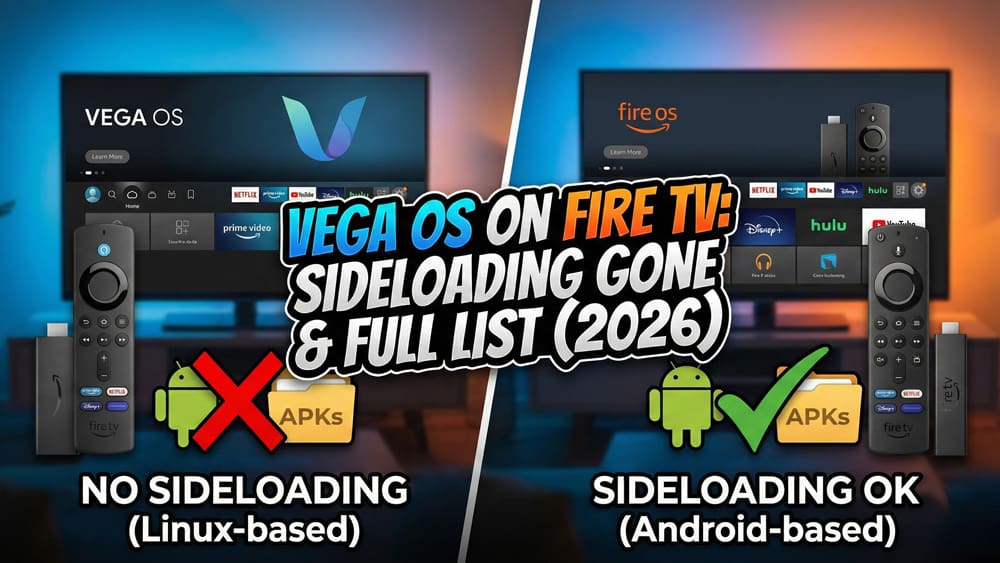
However, contrary to early fears, Amazon has confirmed it is not killing Fire OS entirely. Instead, we are entering a “Two-Tier” era where some devices run Android (Fire OS), and others run the new Vega OS.

For more updates like this, explore our Streaming Device News hub – covering Fire TV, Google TV, NVIDIA Shield, and the biggest device changes across the streaming ecosystem.

Is the Vega OS Fire TV Update Replacing Android?

For months, reports suggested Vega would completely replace Android on all Fire TV devices. Amazon has now clarified its stance on their developer forum, stating:

We’ve always been a multi-OS company. We have launched and will continue to launch new devices on Fire OS. Are Fire OS apps going away? No. We continue to launch new features and devices on Fire OS and support existing experiences.

What This Means for You: Amazon seems to be positioning Vega OS for entry-level and smart home devices (where lightweight speed matters), while keeping Fire OS (Android) for premium performance devices (where app compatibility matters).

What Is the Vega OS Fire TV System?

Vega OS is a completely new operating system built by Amazon from the ground up. Unlike Fire OS, which was a “fork” of Android (AOSP), Vega OS is built on a Linux foundation.

  • The Tech: Apps now run on React Native, built with HTML and JavaScript, rather than Android’s Java or Kotlin.
  • The Benefit: It is incredibly lightweight. The new Fire TV Stick 4K Select runs smoothly with just 1GB of RAM—specs that would make a traditional Android stick lag uncontrollably.
  • The “Cloud” Fix: To prevent an app shortage, Amazon has introduced a “Cloud App Program.” If a major Android app hasn’t been rewritten for Vega yet, Amazon streams the app from the cloud to your device so you can still use it.

Which Vega OS Fire TV Devices Are Out Now? (Jan 2026 Update)

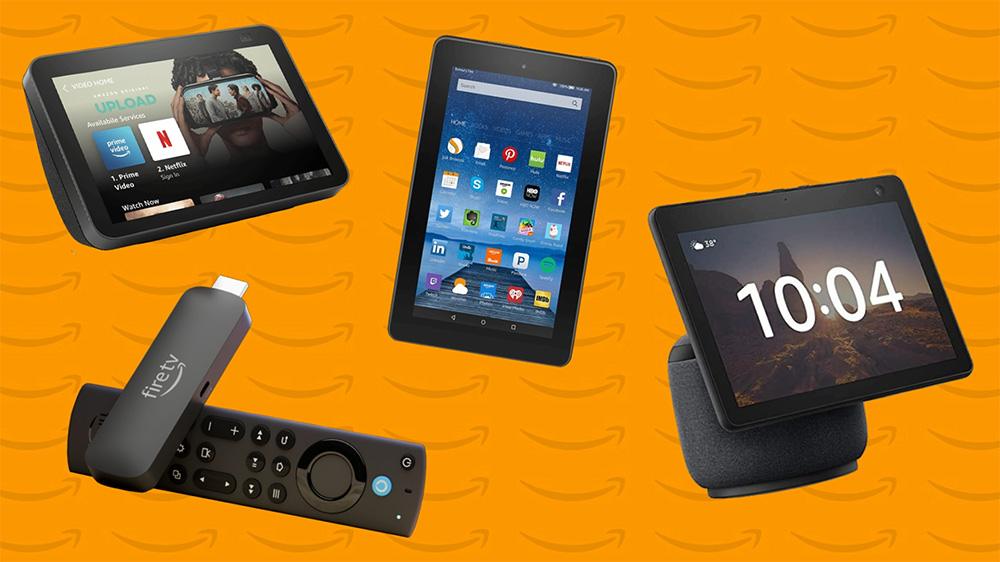
Amazon plans to unify across platforms with it's own in-house software - Vega OS

As of January 2026, Vega OS is confirmed on the following devices:

  • Fire TV Stick 4K Select (Released Oct 2025)
  • Echo Show 21
  • Echo Show 15 (Gen 2)
  • Echo Hub

Safe List (Still Running Fire OS / Android):

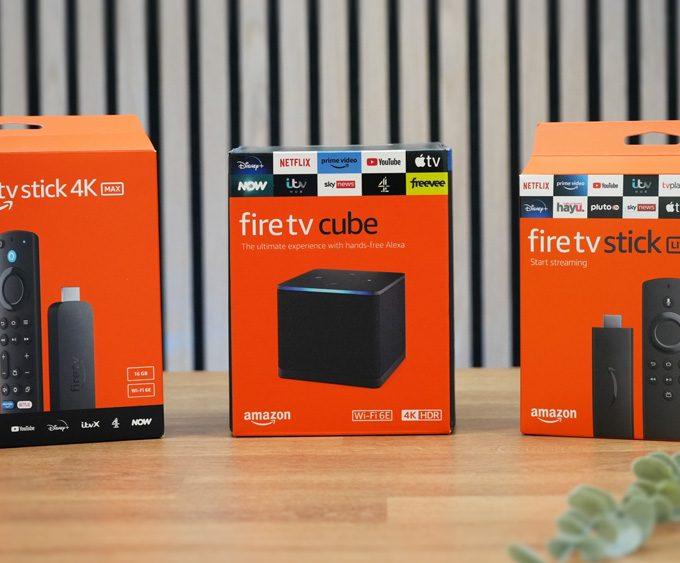
  • Fire TV Stick 4K Max (2nd Gen)
  • Fire TV Stick 4K Plus
  • Fire TV Cube (3rd Gen)

The Big Question: Sideloading & APKs

This is the most critical difference between the two operating systems.

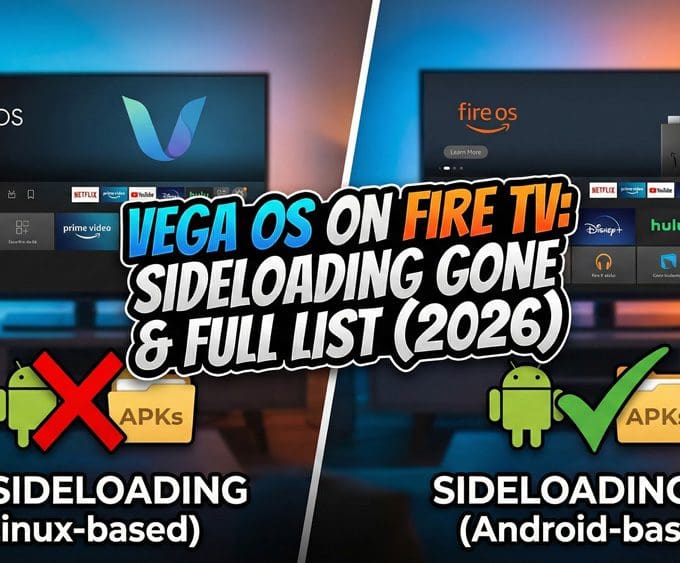
  • On Fire OS Devices (4K Max/Cube): Sideloading works exactly as it always has. You can install Downloader, Cinema HD, and Kodi without issues — our install Kodi on Fire TV guide shows the exact steps for supported Fire OS devices.
  • On Vega OS Devices (4K Select): Sideloading is impossible. Because Vega is Linux-based, it cannot read Android .apk files.
    • Downloader App: Even if you find it in the store, it cannot install Android packages.
    • Developer Options: The “Install Unknown Apps” toggle is missing from the settings menu.

What About VPNs?

There is a silver lining. At launch, VPN support was missing, but Amazon has since patched this. Currently, NordVPN and IPVanish have released native Vega OS apps. You can still protect your privacy, but you cannot install third-party streaming apps to go with it. (See our VPN for Firestick & Google TV Guide for the updated list of compatible VPNs).

Buying Advice: The 2026 Strategy

If you are looking to buy a new Firestick today, you must check the model name carefully to ensure you get the OS you want.

  • Avoid: The Fire TV Stick 4K Select. It It runs Vega OS, meaning no sideloading and a “walled garden” experience.
  • Buy: The Fire TV Stick 4K Max (2nd Gen) or the Fire TV Stick 4K Plus. These remain on Fire OS, giving you the freedom of Android with the speed of premium hardware.

If you are setting up a Fire OS model, make sure to follow our updated Firestick 2026 Setup Guide to keep your device running smoothly.

Will My Old Firestick Get Updated to Vega?

No. Amazon has confirmed that existing devices running Fire OS (like the 4K Max or Cube) will not be forced to upgrade to Vega OS. They will continue to receive security updates, but the underlying OS will remain Android-based.

The Verdict

The release of the Fire TV Stick 4k Select proves that Vega OS is real, but Amazon’s commitment to being a “multi-OS” company gives power users a lifeline. 

However, the “golden era” of buying the cheapest Firestick and modding it is officially over. If you love the freedom of Android – the ability —the ability to install custom launchers, and third-party movie apps—you now have  to pay for the premium Fire TV models. Or, it might be time to look at alternatives like the ONN 4K Plus (for budget users) or the NVIDIA Shield TV Pro (for power users) to guarantee that freedom forever.

(Read our full breakdown: Google Softens Sideloading Blocks on Android to see why Google TV might be your next best move.)

FAQ

Is Amazon replacing Fire OS with Vega OS?

Not entirely. Amazon has stated they are a “Multi-OS company.” While entry-level devices like the Fire TV Stick 4K Select now use Vega OS, Amazon has confirmed they will continue to launch and support high-performance devices running Fire OS (Android).

Yes. Existing devices running Fire OS will continue to receive updates. Amazon has confirmed that Fire OS apps are not going away and they will continue to support the existing ecosystem.

This is the main limitation of the new OS. Vega OS devices (like the 4K Select) cannot install Android APKs. If you need sideloading, you must buy a Fire OS device like the Fire TV Stick 4K Max.

Yes. Major providers like NordVPN and IPVanish have released native apps for Vega OS, available in the official Amazon Appstore.

It is available now. Vega OS launched in late 2025 on the Fire TV Stick 4K Select. We expect the next generation of the Fire TV Cube (likely coming later in 2026) to potentially run Vega OS, though this is unconfirmed.

Written by
Tanya

Tanya is the founder of unboxd.tech, where she shares guides, reviews, and tips on streaming devices and apps. She focuses on making streaming simple with practical fixes and smart home insights.

Leave a comment

Leave a Reply

Your email address will not be published. Required fields are marked *

Related Articles

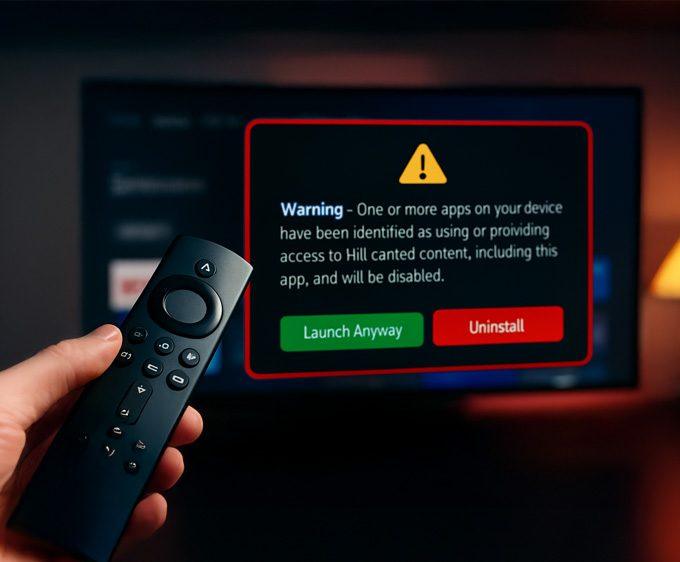
Firestick Blocks Are Now LIVE: The Exact Warning & Full List of Affected Apps

Amazon has begun device-level blocks on Fire TV devices, and the Firestick...

Google Softens Sideloading Blocks on Android: What “Experienced Users” Need to Know

Android users have been watching closely as Google Android sideloading rules began...

NVIDIA Rolls Out Shield Experience 9.2.2 — Here’s What’s New!

The NVIDIA Shield TV line continues to impress. The company pushed out...

Freely Unveils New Streaming Devices: Plug In & Watch Free UK TV

For years, UK viewers have relied on Freeview and Freesat for free-to-air...