Friday , 2 January 2026
Home Tech News Streaming Device News Google Softens Sideloading Blocks on Android: What “Experienced Users” Need to Know
Streaming Device News

Google Softens Sideloading Blocks on Android: What “Experienced Users” Need to Know

Android is easing its strict sideloading crackdown with a new “experienced user” pathway and a lighter developer tier.

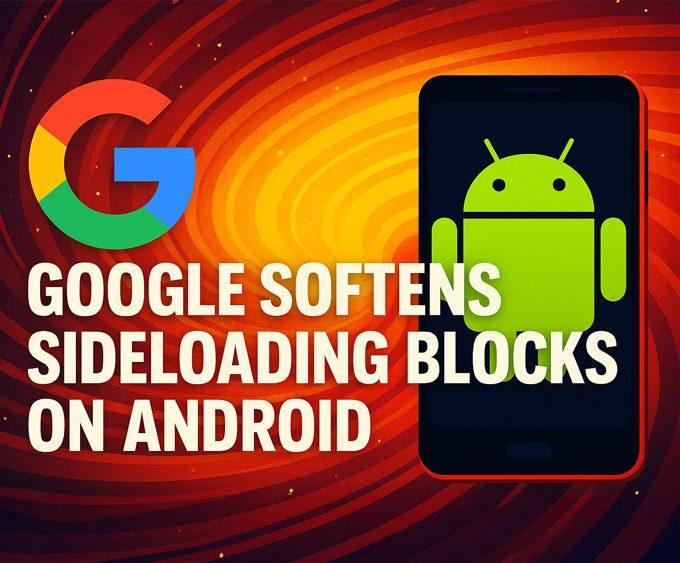
Google Android sideloading rules update

Android users have been watching closely as Google Android sideloading rules began tightening earlier this year — and now Google is easing those restrictions. Thanks to new feedback from developers, power users, and the open-source community, the company is officially softening its approach, offering a safer but still accessible way to sideload apps on certified Android devices.

For more updates like this, you can browse our Streaming Device News section, where we cover major changes across Google TV, Fire TV, and Android TV.

This update matters especially for the streaming-device world, where Android-based systems like Google TV, Android TV, and even Fire OS rely heavily on sideloading flexibility. This story directly connects to our earlier coverage of Google banning sideloading by 2026.

Google Android sideloading rules: What’s changing?

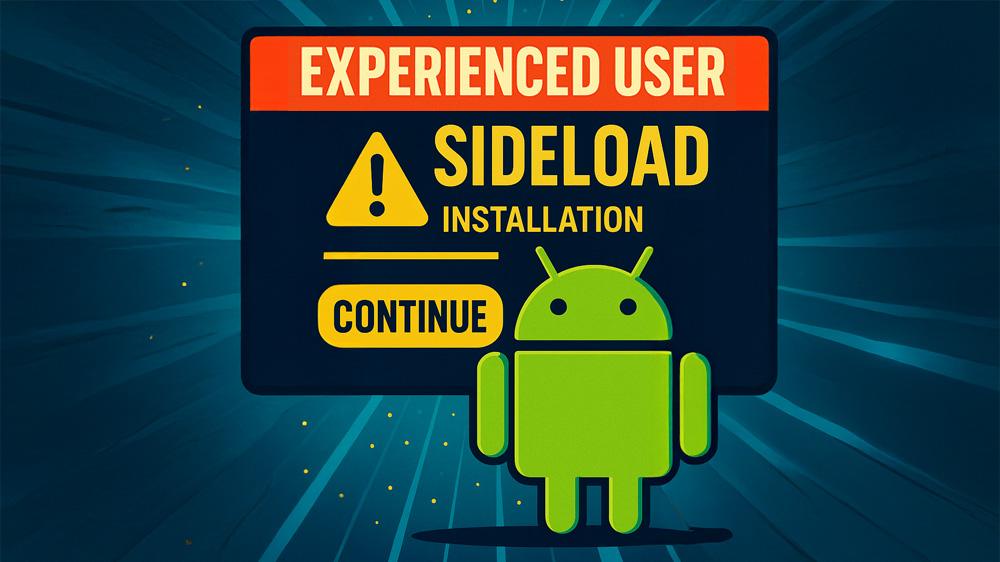
Experienced user Android sideloading workflow illustration showing the new sideload installation flow

In its original policy, Google required every app installed on certified Android devices — including sideloaded APKs — to come from a fully verified developer.
But after criticism from open-source projects and Android power users, Google is now:

✔ Offering an “Experienced User” Installation Flow
Users who sideload frequently will be able to confirm advanced warnings and continue installing apps from unverified developers.

✔ Introducing a Lighter “Student/Hobbyist Developer” Tier
This account type reduces verification friction while still giving Google a way to trace abuse.

These details were confirmed by reporting from The Verge and others.

Why Google softened its Android sideloading rules

Google cited high malware rates for sideloaded apps — over 50× higher outside the Play Store.
However, developers and privacy advocates argued that the original plan undermined Android’s open principles.

The compromise keeps users safer without eliminating sideloading entirely — especially important for streaming boxes and modding communities.

You can also view our wider Tech News coverage for all major streaming-device, Google TV, Fire TV, and OS-level updates.

Timeline of the new Google Android sideloading rules

Google’s phased rollout includes:

  • Late 2025: Developer preview of new verification tools
  • March 2026: Broader developer verification
  • Sept 2026: Mandatory verification in select countries
  • 2027+: Global rollout

Meanwhile, “experienced user” sideloading will remain a global fallback.

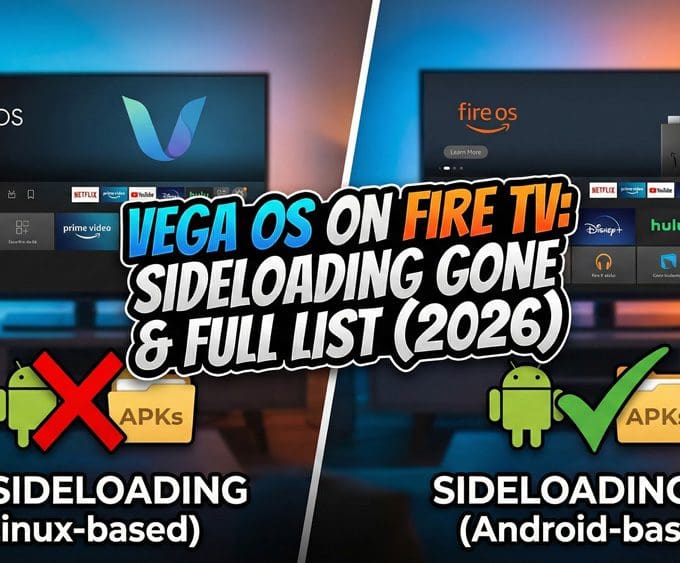
For the broader Fire TV and Android TV strategy changes happening this year, see our deep-dive on Vega OS: Amazon’s Rumoured Replacement for Fire OS.

How the new sideloading rules affect streaming-device owners

Many users sideload apps on Android-based streaming hardware. If you’re using devices covered frequently on Unboxd.Tech, such as:

…these changes directly affect how you install third-party players, tools, and utilities.

It also impacts readers of our guide on How to Sideload Apps on Fire TV & Google TV Safely.

In short: sideloading isn’t going away — but it’s becoming more structured.

What users should do next under the new Android sideloading rules

  • Everyday users
    If you sideload occasionally, expect clearer warnings and a few extra taps.
  • Power users
    You’ll retain access through the “experienced user” mode.
  • Indie developers
    The new lightweight tier is worth exploring — it allows publishing outside the Play Store without full corporate verification.
  • Streaming-device owners
    Expect continued sideloading support across Google TV, Android TV, and Fire OS devices.

Final thoughts: A more balanced approach

Google’s revised strategy blends security, transparency, and user freedom.
It’s not the open Android of old — but it preserves the flexibility that power users and streaming-device owners rely on, especially as sideloading remains essential for app alternatives, media tools, and utility apps.

You can also explore more platform-level updates in our Tech News section.

Unboxd.Tech will continue to monitor these changes and update our Streaming Device News section with new developments.

Written by
Tanya

Tanya is the founder of unboxd.tech, where she shares guides, reviews, and tips on streaming devices and apps. She focuses on making streaming simple with practical fixes and smart home insights.

Leave a comment

Leave a Reply

Your email address will not be published. Required fields are marked *

Related Articles

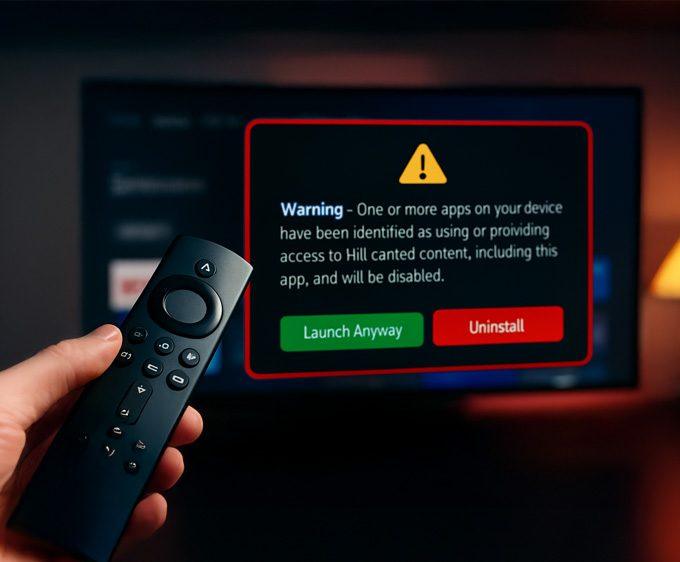
Firestick Blocks Are Now LIVE: The Exact Warning & Full List of Affected Apps

Amazon has begun device-level blocks on Fire TV devices, and the Firestick...

NVIDIA Rolls Out Shield Experience 9.2.2 — Here’s What’s New!

The NVIDIA Shield TV line continues to impress. The company pushed out...

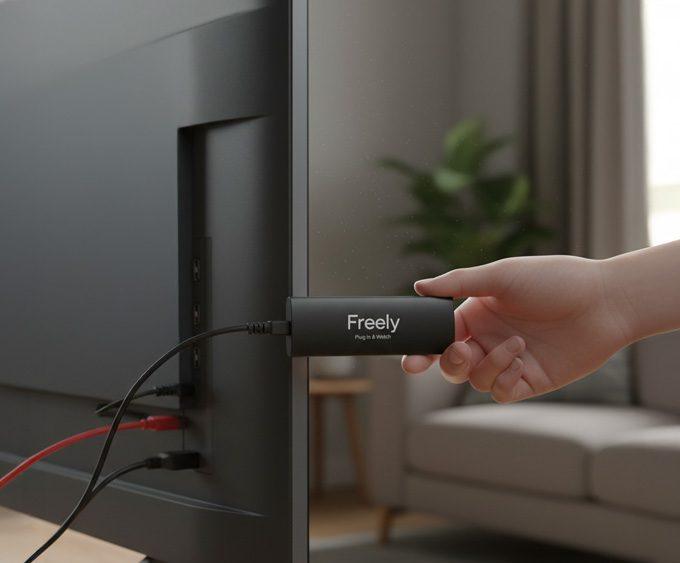
Freely Unveils New Streaming Devices: Plug In & Watch Free UK TV

For years, UK viewers have relied on Freeview and Freesat for free-to-air...

Amazon Prime Day 2025: Biggest Deals Coming October 7–8

Amazon has confirmed that Amazon Prime Day 2025 will run October 7–8....