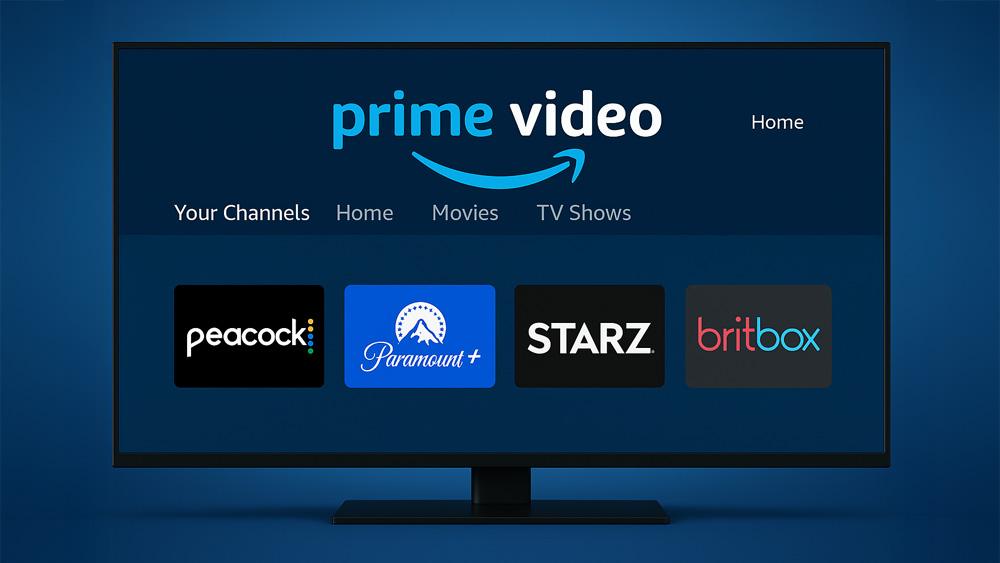
Simplify Your Streaming and Get the Most Out of Prime Channels.
This Amazon Prime Channels guide explains how to use Prime Video’s add-on subscriptions effectively in 2025. Prime Channels let you expand your streaming library by adding services like Peacock, Paramount+, and STARZ directly into the Prime Video app.
For more how-to guides across Prime Video, Netflix, Disney+, and other services, explore our Streaming Guides & How-To hub — or browse the full Streaming Service How-To section for app-level updates.
But with so many choices — and the risk of paying for duplicate subscriptions — it’s easy to get overwhelmed. This guide will show you how to simplify your streaming, manage costs, and get the most out of your Prime membership.
Prime Channels are add-on subscriptions you can attach to your Prime Video account. Instead of juggling multiple apps, you can:
Popular examples in 2025 include Peacock, Paramount+, AMC+, Discovery+, and niche services like BritBox or Crunchyroll.
👉 Take a look at the official Prime Video Channels catalog for more.
👉 Example: If you add Peacock through Prime Channels, you won’t need the standalone Peacock app — just open Prime Video and stream.
Use Amazon’s reminder emails to track when a free trial ends, so you’re not charged unexpectedly.
If you travel often or want standalone features, weigh whether subscribing directly is better.
If you want a simple way to access your preferred streaming libraries while travelling, our Proton VPN Free Firestick & Google TV setup guide shows you how to install a secure, no-logs VPN directly on your device.
Amazon Prime Channels make streaming simpler by centralising subscriptions, watchlists, and billing. Whether you’re adding Peacock, Paramount+, or a niche service, the key is to avoid duplicate subscriptions and regularly review what you’re paying for.
For more Prime Video updates — including Peacock’s new integration into Prime — check out our dedicated coverage:
👉 Peacock Joins Amazon Prime Channels (2025 Update)
👉 Explore more service guides in our Streaming Guides & How-To hub or the full Streaming Service How-To section.
Amazon Prime Channels are add-on subscriptions you can attach to your Prime Video account, letting you stream services like Peacock and Paramount+ directly inside the Prime Video app.
Yes, Prime Channels can be cancelled anytime from your Amazon account. Billing stops at the end of the cycle, and you can restart later if needed.
No, Prime Channels are fully integrated into Prime Video. You can watch Peacock, Paramount+, and other services without installing their standalone apps.
Pricing is usually the same as standalone subscriptions, but sometimes standalone apps run exclusive discounts or include extra features not available through Prime Channels.
Tanya is the founder of unboxd.tech, where she shares guides, reviews, and tips on streaming devices and apps. She focuses on making streaming simple with practical fixes and smart home insights.
Leave a comment