


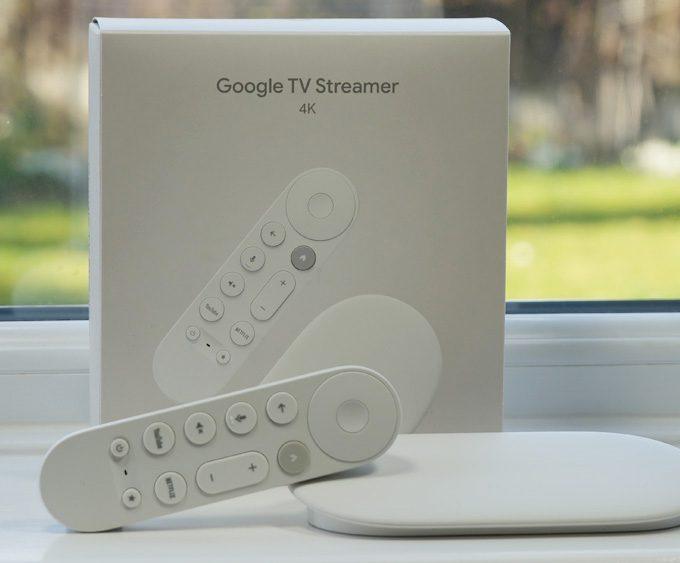

Google’s new TV Streamer 4K isn’t just another media box — it’s Google’s first serious attempt in years to compete head-on with Amazon Fire TV, Roku, Apple TV, and even the NVIDIA Shield TV.
This review is part of our Product Reviews section, where we test streaming devices, smart home hardware, and home entertainment technology.
The Google TV Streamer 4K replaces Chromecast with Google TV and introduces better hardware, improved Wi-Fi stability, and full Google Home integration. In this hands-on review, we break down performance, apps, gaming, smart home features, and how it compares to rivals like the Fire TV Stick 4K Max and NVIDIA Shield TV Pro.
👉 For more reviews like this, browse our Streaming Devices section covering Fire TV, Google TV, NVIDIA Shield, Roku, and more.
The Google TV Streamer 4K is Google’s best streaming device to date. It delivers excellent 4K HDR performance, a clean interface, and built-in Google Home hub features. It’s a true upgrade over Chromecast and a strong competitor to Firestick and Roku.
It’s not as powerful as the NVIDIA Shield TV Pro — especially after the latest Shield Experience 9.2.2 update — but for most households it offers outstanding value and a polished Google ecosystem experience.
Table of Contents
Unboxing & Setup
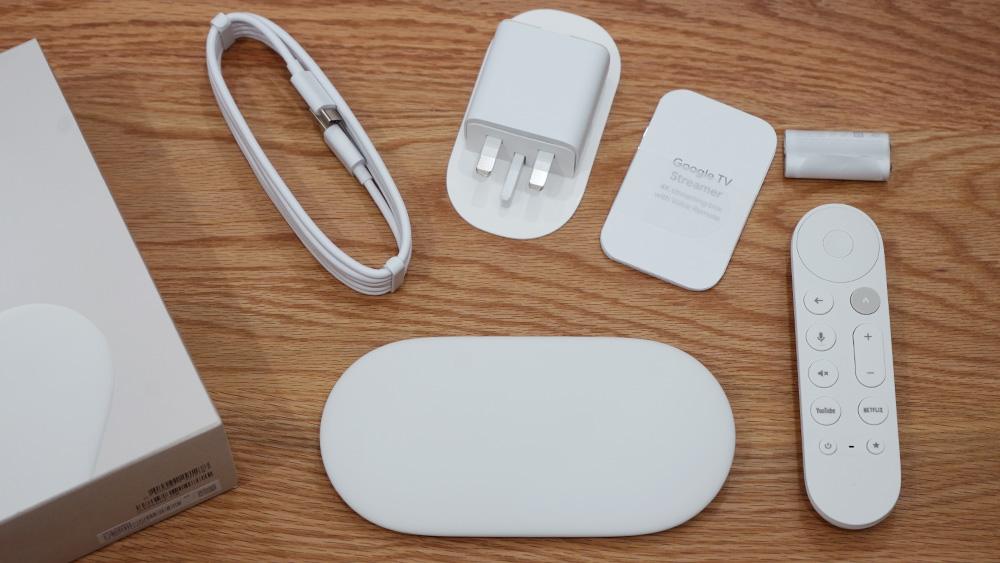
Out of the box, you get:
- The streamer itself
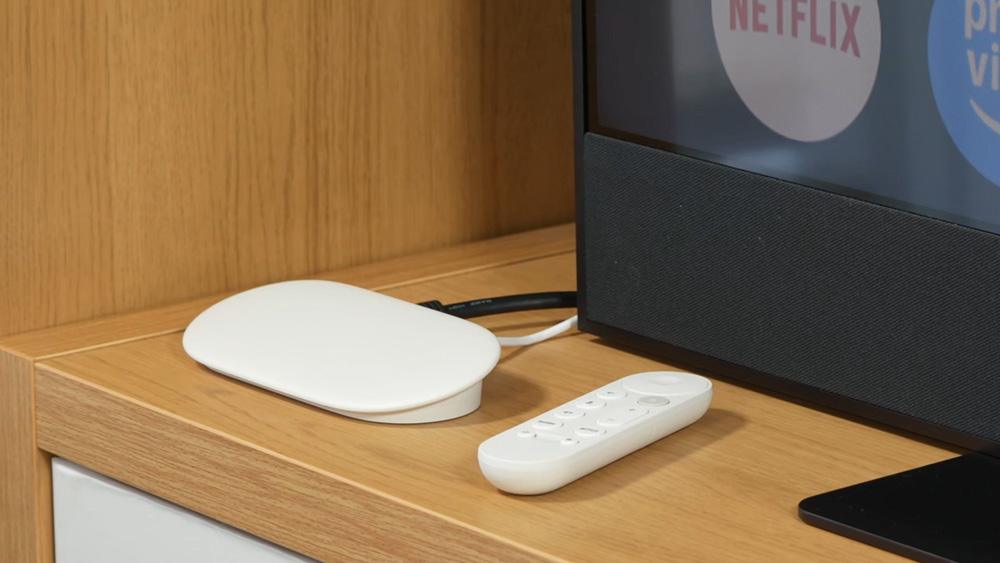
- A compact, ergonomic remote
- Power adapter
- Quick start guides
Setup is simple: plug it into HDMI, connect to Wi-Fi, follow the prompts. Within minutes you’re inside one of the cleanest, most intuitive streaming interfaces available.
👉 New device? Follow our step-by-step guide: Google TV Streamer 4K — Complete Setup Guide & Tips
You can also explore our wider Product Reviews hub for in-depth tests, comparisons, and long-term streaming device insights.
Specs Table
| Component | Specification |
|---|---|
| Price: | US: $99.99 | UK: £99.00 |
| Processor: | MediaTek MT8696 SoC |
| GPU: | Imagination Technologies' PowerVR Rogue GE9215 GPU |
| RAM: | 4GB |
| Storage: | 32GB |
| Video Playback: | Up to 4K HDR at 60 FPS |
| HDR Support: | Dolby Vision | HDR10 | HDR10+ | HLG |
| Audio Support: | Dolby Atmos | Dolby Digital | Dolby Digital Plus |
| Wireless: | Wi-Fi 5 (802.11ac standard) | Bluetooth 5.1 |
| Ethernet: | Gigabit Ethernet |
| HDMI: | HDMI 2.1 |
| USB: | USB-C (power) |
| Operating System: | Google TV (Android 14) |
| Smart Home: | Built-in Google Assistant | Google Home compatible |
| Remote: | Compact remote | Netflix, YouTube & Google Assistant buttons | 2x AAA batteries |
| Weight: | 5.7 oz / 161.6 g |
| Dimensions: | Height: 1 in / 2.54 cm | Width: 3 in / 7.62 cm | Length: 6.4 in / 16.26 cm |
Google TV Experience
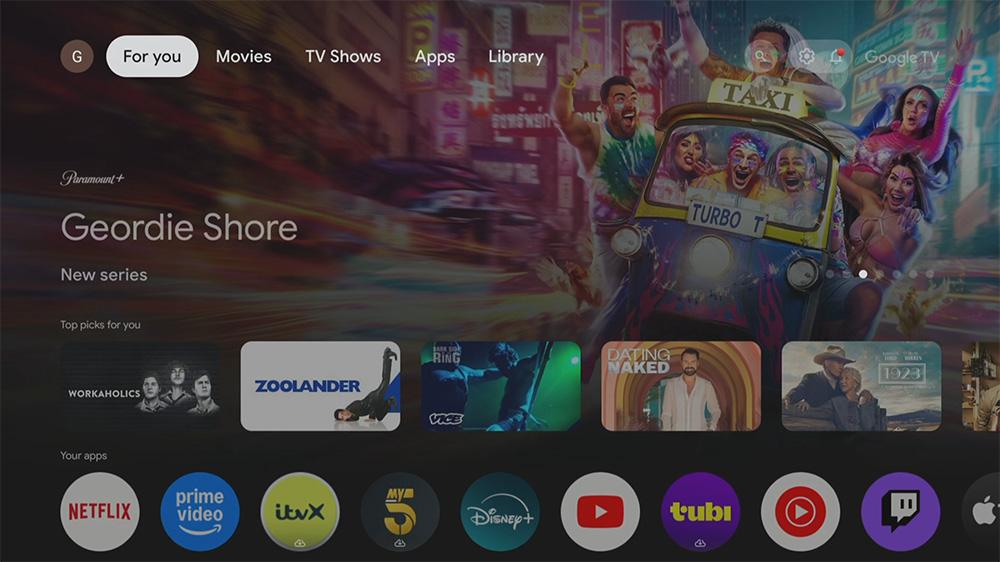
The Google TV interface is clean, organised, and free from clutter. Instead of endless tiles, it surfaces personalised recommendations from Netflix, Prime Video, Disney+, YouTube, and more.
Voice search via Google Assistant is excellent, and live TV integration brings access to 800+ free channels through apps like Tubi and Pluto TV.
Google TV feels more like a curated entertainment hub — not just another app launcher.
Supported Streaming Apps (4K UHD + HDR Compatibility)
The Google TV Streamer 4K supports all major services with official UHD/HDR:
| Service | Region | Official Native UHD Support |
|---|---|---|
| Netflix | UK and US | ✅ 4K UHD + HDR (Dolby Vision where available) |
| Amazon Prime Video | UK and US | ✅ 4K UHD + HDR10 / Dolby Vision |
| Disney+ | UK and US | ✅ 4K UHD + Dolby Vision + Dolby Atmos |
| Apple TV+ | UK and US | ✅ 4K UHD + Dolby Vision |
| YouTube | UK and US | ✅ 4K UHD + HDR |
| Hulu | US | ✅ 4K UHD |
| Max (HBO Max) | US | ✅ 4K UHD + HDR |
| Peacock | US | ✅ 4K UHD |
| Paramount+ | UK and US | ✅ 4K UHD + HDR |
| BBC iPlayer | UK | ✅ 4K UHD now supported — see our update Google TV Streamer: iPlayer Finally Arrives in the UK |
| ITVX | UK | ✅ 4K UHD |
| Channel 4 (All4) | UK | ✅ 4K UHD (where available) |
| Plex | UK and US | ✅ 4K UHD (varies by content) |
| Pluto TV | UK and US | ✅ 4K UHD (varies by content) |
| Tubi | UK and US | ✅ 4K UHD (varies by content) |
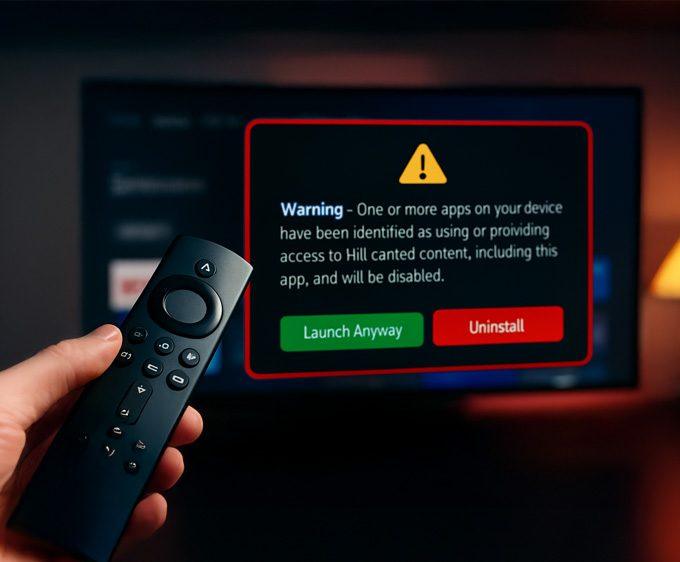
If you also use a Firestick and notice certain apps refusing to open, it may not be an app issue — some Fire TV devices now show a new alert when apps are flagged. You can see the exact Firestick warning message and which apps are affected here: 👉 Firestick Blocks Are Now LIVE: The Exact Warning & Full List of Affected Apps.
Sideloading on the Google TV Streamer 4K
You can install apps from the Google Play Store — but the device also supports sideloading using tools like the Downloader app.
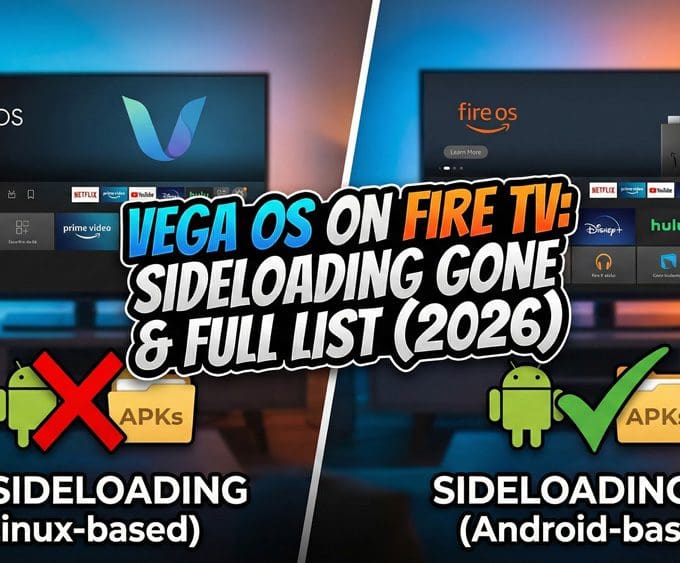
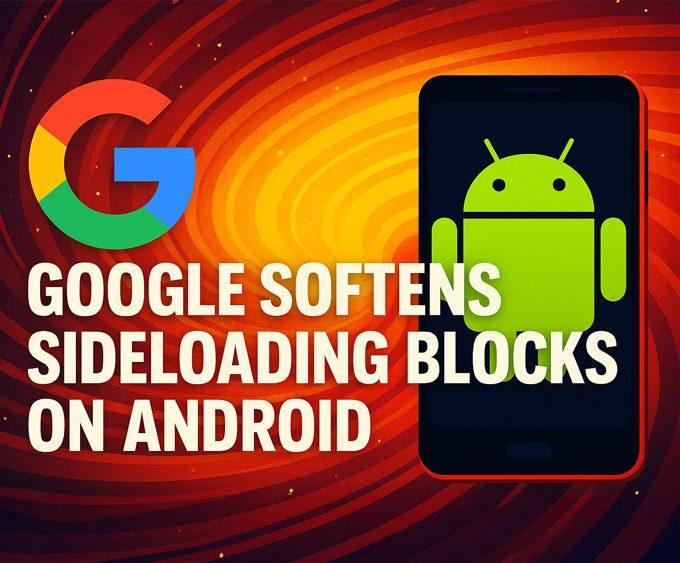
Google’s sideloading policy has shifted recently.
We cover the full story here:
Compared to rivals, this flexibility is an advantage. Fire TV relies heavily on sideloading; Roku offers almost no flexibility. The Google TV Streamer 4K gives you official app support — plus the ability to install niche services if needed.
👉 New to sideloading? Use our guide: How to Sideload Apps on Fire TV & Google TV
Smart Home Integration
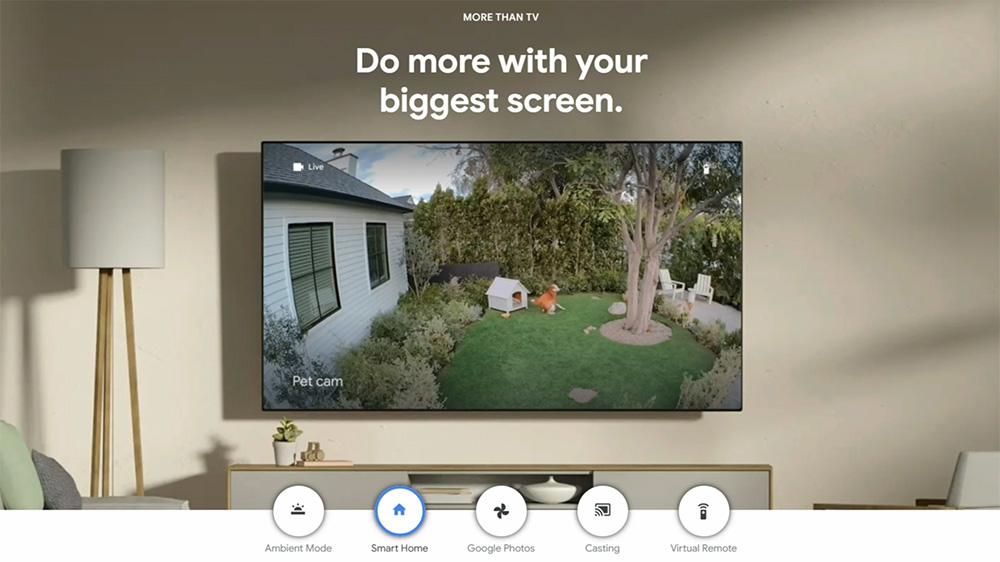
The Google TV Streamer 4K doubles as a Google Home hub.
With Google Assistant built-in, you can:
- Dim lights
- Adjust your thermostat
- View Nest cameras
- Check weather and schedules
- Control smart devices hands-free
Commands like:
“Hey Google, show me the front door camera”
work instantly.
If your home runs on Google Assistant, this streamer is one of the best integrations available.
👉 Learn more in Google’s official guide: Stream your security camera using your Google Nest display.
👉 Explore more smart home updates in our Smart Home News hub.
The Remote
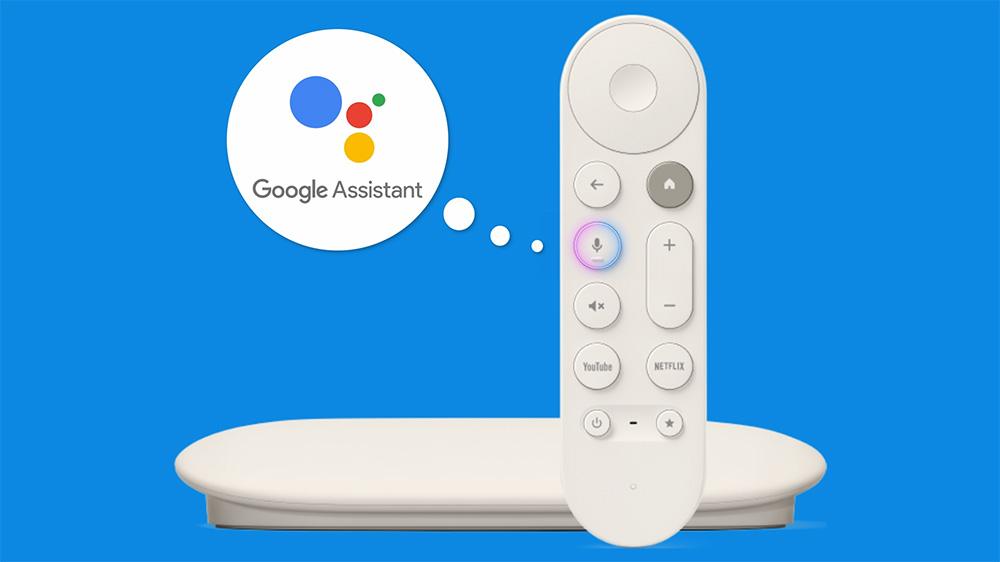
The compact remote is comfortable, responsive, and functional.
It features:
- Dedicated Netflix & YouTube buttons
- Google Assistant button
- A smooth directional pad
- Premium-feeling build for the price
It’s not as customisable as the Shield remote, but far better than Roku’s basic remotes.
Gaming on the Google TV Streamer 4K
The device isn’t a console replacement, but it handles lightweight games smoothly thanks to the Google Play Store. It can’t match Apple TV’s gaming experience or the NVIDIA Shield TV Pro — but for casual gaming, it’s perfectly fine.
How It Compares to NVIDIA Shield TV
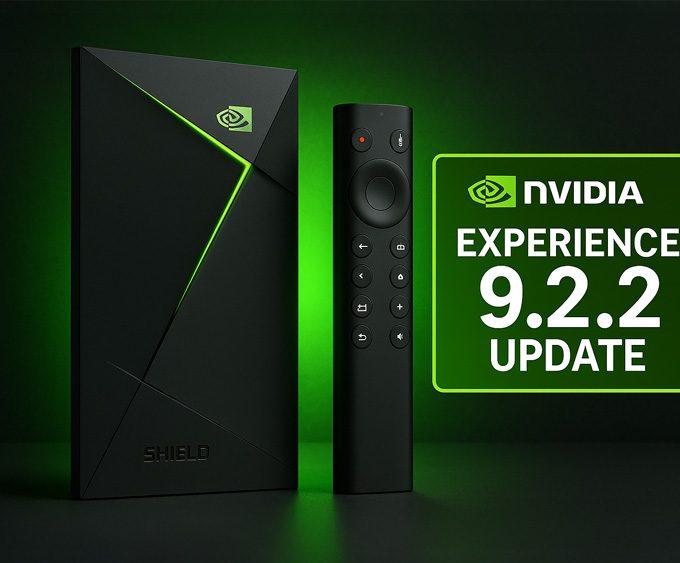
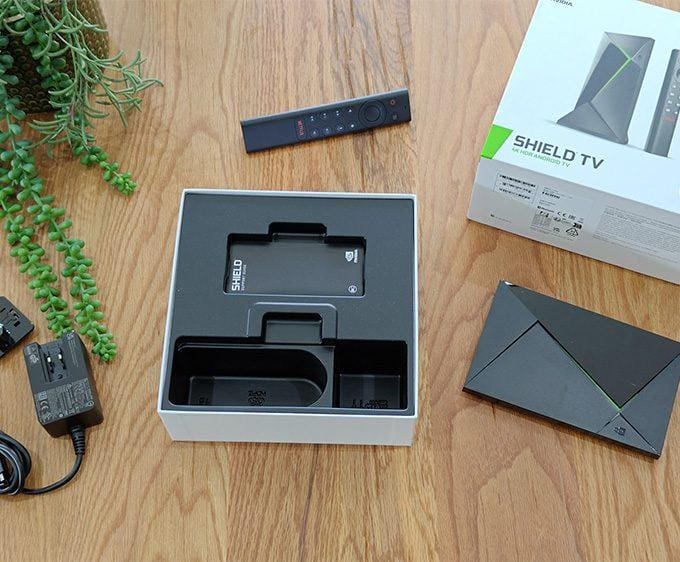
If you’re considering the NVIDIA Shield TV Pro, remember that NVIDIA releases frequent system updates. Their latest Shield Experience 9.2.2 update brought improved accessibility, smoother remote controls, and key streaming fixes (including Disney+ audio dropout resolution).
The Shield remains the most powerful Android TV device — but also the most expensive.
For the fastest Android TV performance, see how it compares in our NVIDIA Shield TV Pro Review — the benchmark device for power users.
Streaming Device Comparison (2025)
| Device | Strengths | Weaknesses | Best For |
|---|---|---|---|
| Google TV Streamer 4K ⭐ | ⚡ Clean UI 🔥 4K HDR 🏠 Smart Home Hub 📺 Full UK app support | ❌ Not as fast as Shield ❌ Wi-Fi 5 only | 👍 Google ecosystem users 👌 Smart home households |
| NVIDIA Shield TV Pro 🔥 | 🚀 Fastest Android TV 🧠 AI upscaling 🔄 Long-term updates (incl. 9.2.2) 🎮 Gaming-ready | 💸 Expensive 📦 Larger box | 🎯 Power users 🎬 Home theatres ⚙️ Tech enthusiasts |
| Fire TV Stick 4K Max ⚡ | 💰 Great value 📡 Fast Wi-Fi 🎙️ Alexa 🔥 Excellent performance | 👀 Amazon-heavy UI 📢 Ads | 💸 Budget buyers 🤖 Alexa homes |
| Roku Ultra 👍 | 🧼 Simple UI 💪 Reliable 📺 Stable apps | 😐 Fewer advanced features ⚙️ Weak smart home tools | 🧓 Beginners 🏡 Simple setups |
| Apple TV 4K ⭐ | 🏆 Best performance 🌈 Dolby Vision/Atmos 🎮 Great gaming ✨ Premium build | 💸 Pricey 📉 Limited sideloading | 🍎 Apple users 🎥 Premium cinema |
Who Should Buy the Google TV Streamer 4K?
Buy this if:
👍 You’re in the Google ecosystem
🔥 You want an easy, polished 4K HDR experience
🏠 You use Google Assistant or Nest smart home devices
📺 You watch YouTube, Netflix, Prime Video, Disney+, iPlayer
Skip this if:
🚀 You want the fastest Android TV box (NVIDIA Shield TV Pro)
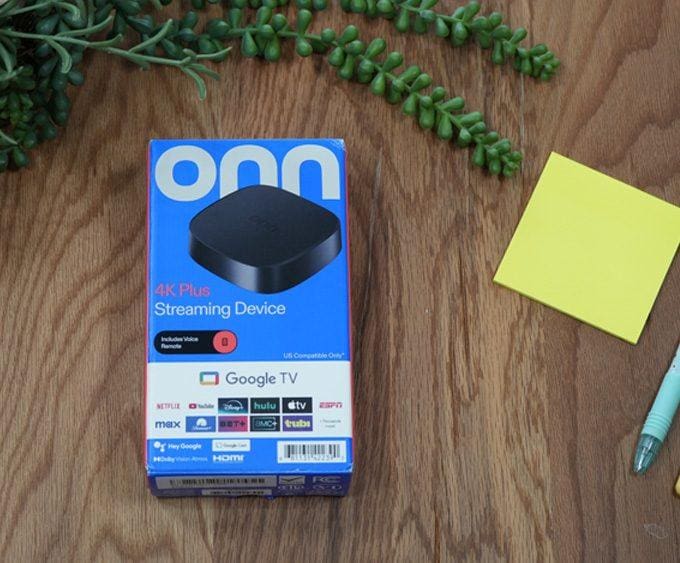
💸 You want the cheapest 4K streamer (Onn 4K Plus / Firestick Max)
⚙️ You need Wi-Fi 6/6E support
🎮 You want better gaming or AI upscaling (Shield does this better)
FAQ — Google TV Streamer 4K
Is the Google TV Streamer 4K hard to set up?
Nope. Plug it into HDMI, connect Wi-Fi, sign in with your Google account. If you want pictures and tips, follow our Complete Setup Guide & Tips.
Does it support BBC iPlayer, ITVX and other UK apps in 4K?
Yes. BBC iPlayer 4K is now supported, and ITVX, Channel 4, and the big US services (Netflix, Prime Video, Disney+, Apple TV+) work great in 4K where available.
Can I sideload apps on this device?
Yes. You can install APKs using tools like Downloader. If you’re new to it, see our step-by-step Sideload Apps on Fire TV & Google TV guide.
Is there an Ethernet option for more stable streaming?
Yes. It supports Gigabit Ethernet (via the port on the box), which is handy for 4K streams if your Wi-Fi is far from the TV.
How does it compare to a Fire TV Stick 4K Max?
Fire TV sticks can feel a bit faster, but the Google TV Streamer 4K has the cleaner Google TV interface and doubles as a Google smart-home hub. Pick Fire TV for speed; pick this for the overall Google experience.
Is it good for gaming?
Casual gaming is fine. It’s not a console replacement, but lightweight Play Store games run smoothly.
Verdict – Our Google TV Streamer 4K Review Conclusion
The Google TV Streamer 4K shows Google is finally back in the streaming game.
It delivers:
- Excellent 4K HDR
- Polished Google TV interface
- Built-in smart home hub features
- Reliable performance
- Strong app support
It doesn’t beat Shield TV Pro for power or Apple TV 4K for premium experience, but it strikes an excellent balance of price, features, and usability.
If you want a modern, easy-to-use streaming box that doubles as a smart home hub, this is one of the best choices in 2025.
👉 Getting started today? Read our Complete Setup Guide & Tips.
You can also follow all major Google TV and Fire TV developments in our Streaming Device News hub.
For more hands-on testing and comparison reviews, explore our full Product Reviews section.
Review Overview
The Pros
Clean and intuitive Google TV interface Excellent 4K HDR and Dolby Atmos support Integrated Google Assistant + smart home hub Easy setup and user-friendly remoteThe Cons
More expensive than Fire TV Stick 4K Max Benchmarks show it’s not the fastest in class Gaming performance limited to casual titles- Streaming Performance9
- Smart Home Features8
- User Experience9
- Gaming6
- Value for Money7.5





Hi Tanya
You doing a great job thank you
Question when I go to your app site it is now asking me for a password where do l find your password
Cheers George
I have had to add a token system to keep everything running smoothly. I put together a quick video explaining how it all works—I hope it helps! 🔐 Token Access for 28907 — Faster on Firestick, Still 100% Free! 🔓