




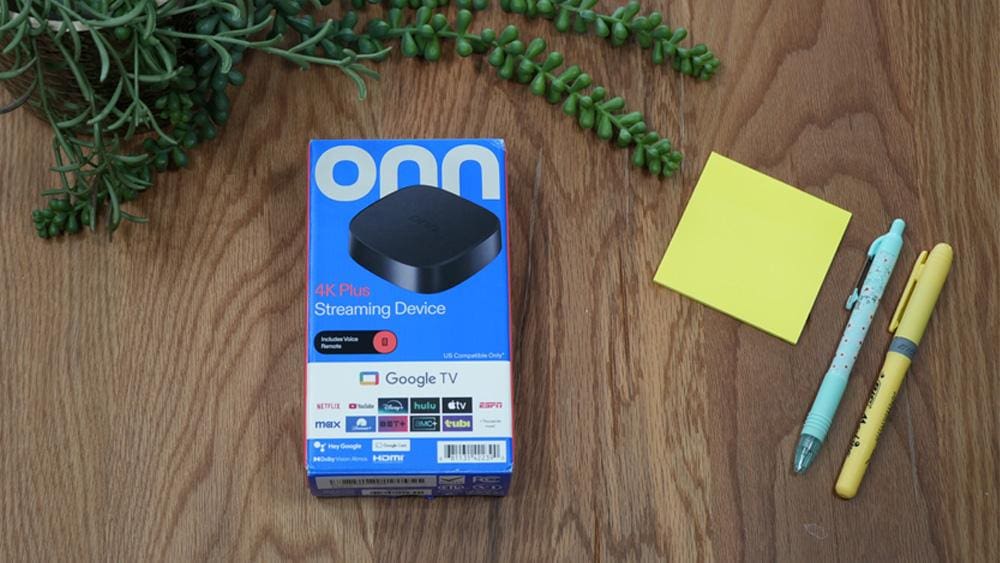
In today’s digital age, streaming devices have become essential for entertainment enthusiasts. Among them, the onn 4K Plus is a standout option that promises an extraordinary viewing experience without an extravagant price tag. In this onn 4K Plus Review, an in-depth exploration of its features, design, performance, and the overall usability of this device will be shared.
For more hands-on reviews of Fire TV, Google TV, and Android streaming boxes, visit our Streaming Devices hub.
📝 Affiliate Disclosure: Some of the links on this page are affiliate links, which means I may earn a small commission if you make a purchase — at no extra cost to you. This helps support the site and allows me to keep creating honest, ad-free content. Thanks for your support! ❤️
Table of Contents
Walmart’s Secret Weapon: What is the Onn 4K Plus?
So, what exactly is this buzzing device? The onn 4K Plus isn’t just another streaming gadget; it’s Walmart’s audacious answer to bringing premium 4K entertainment to the masses without the premium price tag.
It’s fascinating to witness a retail giant directly stepping into the tech arena, not just competing, but actively challenging established players like Roku, Amazon, and Google.
You can also watch our video review on YouTube to see the onn 4K Plus in action!
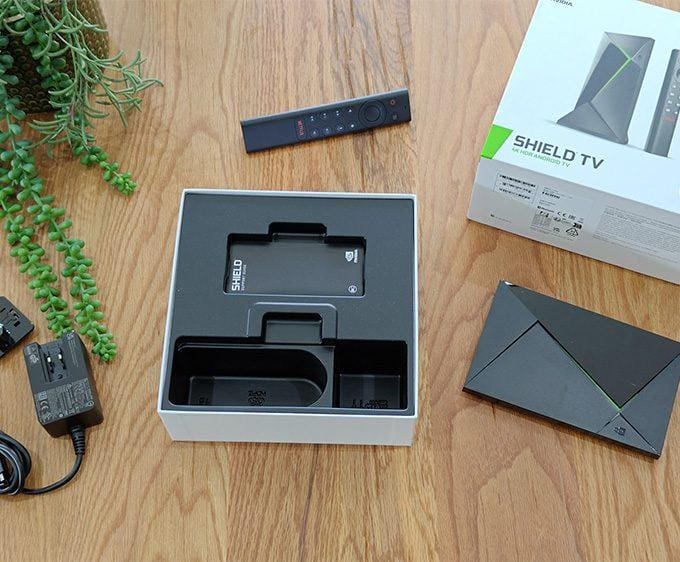
Unboxing the Onn 4K Plus: The First Impression
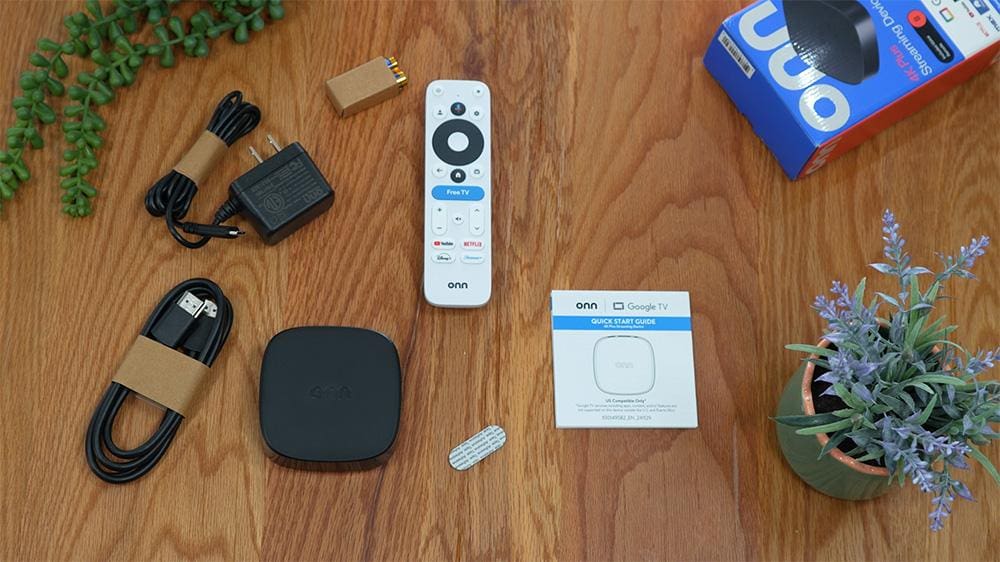
Unboxing the onn 4K Plus is an exciting experience. As you lift the lid of the box, the sleek design of the device instantly grabs your attention. Moreover, everything inside is neatly organised, making it easy to see what’s included.
In this onn 4K Plus review, let’s explore the contents and features that make this device stand out. Here’s what you can expect to find:
- Onn 4K Plus Streaming Device: A compact, stylish unit that fits seamlessly into any entertainment setup.
- Power Adapter: Ensures easy connectivity.
High-Speed HDMI Cable: Essential for 4K streaming. - Ergonomic Remote Control: Easily navigate through your favourite content. Two AAA batteries are included!
- Quick Start Guide: This guide provides a straightforward outline for setup and installation.
- Adhesive Tape: This can be used to discreetly mount behind a TV or for securely holding the device in place.
The unboxing experience is simple and visually appealing, setting an optimistic tone for what lies ahead.
Key Specifications: What Powers the Onn 4K Plus
The backbone of the onn 4K Plus lies in its impressive specifications, which aim to deliver fluid performance and stunning visuals.
| Component | Specification |
|---|---|
| Price: | $29.88 |
| Processor: | Quad-core Cortex-A55 (Amlogic S905X5M) |
| GPU: | G310 V2 |
| RAM: | 2 GB DDR4 |
| Storage: | 16 GB internal |
| Video Resolution: | Up to 4K Ultra HD (3840 x 2160) |
| HDR Support: | Dolby Vision, HDR10 and HDR10+ |
| Upscaling: | AI Upscaling |
| Audio Support: | Dolby Atmos, Dolby Digital Plus |
| Wireless: | Wi-Fi 6 (802.11ax) 2.4/5GHz |
| Ethernet: | USB-C (for power, and for USB-C hubs for additional ports like Ethernet) |
| HDMI: | HDMI 2.1 |
| Operating System: | Google TV (Android 14) |
| Voice Assistants: | Built-in Google Assistant |
| Remote: | Voice remote with Google Assistant button, dedicated app buttons (Netflix, Disney+, YouTube, paramount+), and "Free TV" button |
| Power: | USB-C |
| Weight: | 12.64 oz / 358 g |
| Dimensions: | Height: 2.2cm/0.87 inches | Width: 7.8cm/3.07 inches | Length: 7.8cm/3.07 inches |
These specifications highlight how the onn 4K Plus can handle high-quality streaming, supporting both casual viewers and more demanding users.
You can also browse our full Product Reviews hub for in-depth tech reviews covering streaming boxes, mini PCs, monitors, and projectors.
Effortless Setup & Seamless Performance
Setting up the onn 4K Plus is remarkably straightforward. Simply plug the HDMI into your TV (ensuring you use a 4K-capable HDMI port for the best experience), then connect the USB-C power adapter. Power it on, and you’re immediately greeted by the familiar, user-friendly Google TV setup process.
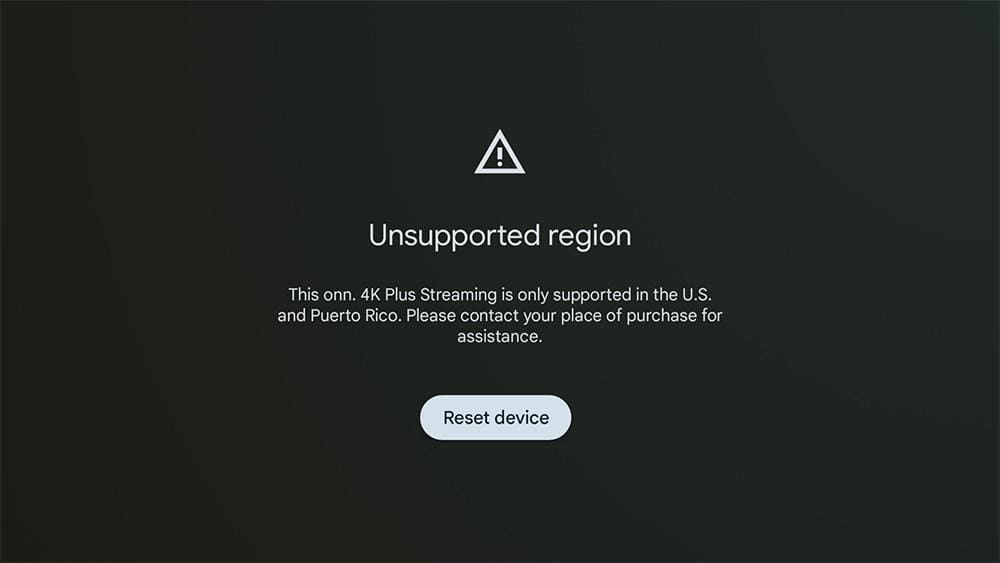
But it’s worth noting that the onn 4K Plus is compatible only with devices in the U.S. and Puerto Rico, as stated on Walmart’s website.
Therefore, viewers from the UK or any regions outside these areas may encounter an “unsupported region” message.
However, if you’re looking for a solution, check out our blog post titled How to Unlock ONN Streaming Boxes Outside the US. This post provides a helpful workaround.
For anyone who has used an Android TV or Google TV device, this setup will feel incredibly intuitive. It deftly guides you through connecting to your Wi-Fi network and signing in with your Google account, seamlessly syncing your apps and preferences. You even get the convenient option to install popular streaming apps from the get-go.
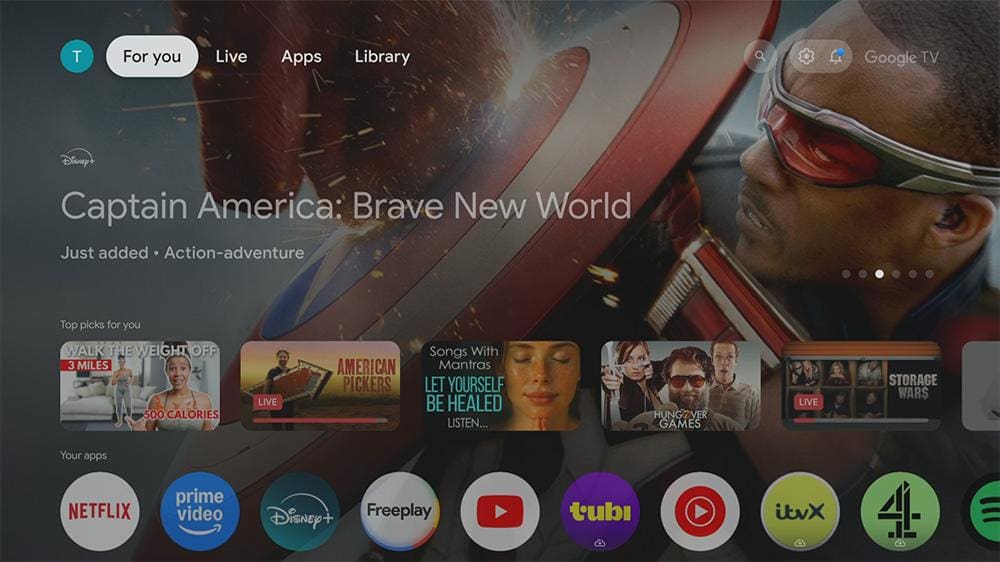
Then, you arrive at the Google TV home screen – a clean, organised, and brilliantly content-focused dashboard.
Recommendations based on your viewing history across various streaming services are front and centre, inviting discovery.
Navigating feels genuinely snappy for a device in this price bracket, with minimal lag even when loading new sections.
Streaming and Voice Control: The Onn 4K Plus in Action
Launching apps like Netflix is impressively quick. When we delve into 4K content, the picture quality is outstanding. Colours burst with vibrancy, and the intricate details in 4K are unmistakably noticeable, assuming you have a compatible 4K TV and a robust internet connection.
Moving over to YouTube, the device handles 4K playback flawlessly, with HDR adding significant depth and realism to the image.
In my rigorous testing, the Wi-Fi 6 connectivity proved incredibly stable, eliminating any frustrating buffering, even during demanding 4K streams.
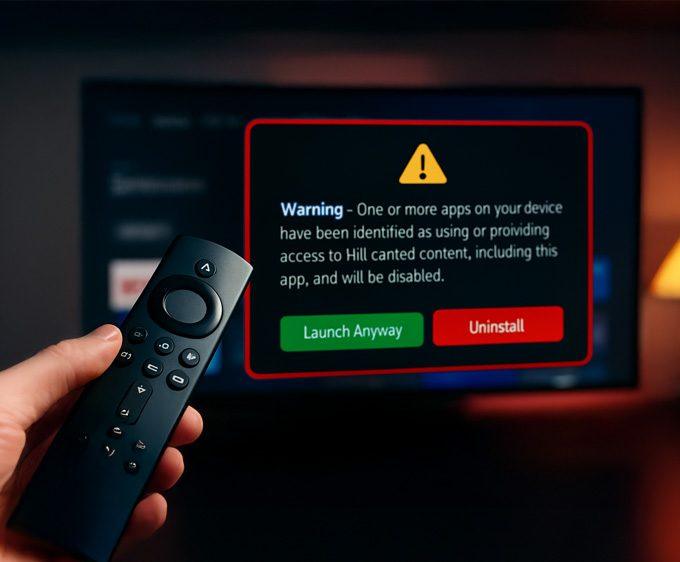
If you still use a Firestick alongside the Onn 4K Plus and notice certain apps refusing to open, it may not be a Wi-Fi issue at all — some Fire TV devices now show a new alert when apps are flagged. You can see the exact Firestick warning message and which apps are affected here: 👉 Firestick Blocks Are Now LIVE: The Exact Warning & Full List of Affected Apps.
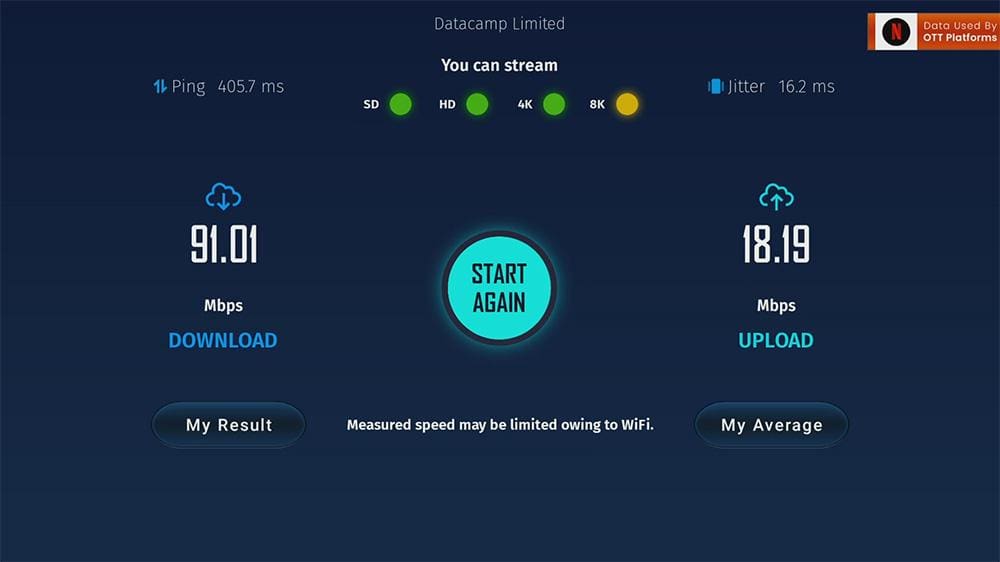
Here at home, equipped with a gigabit internet connection, the Onn 4K Plus confidently managed our download speed of 91 Mbps and upload speed of 18 Mbps without a single hitch.
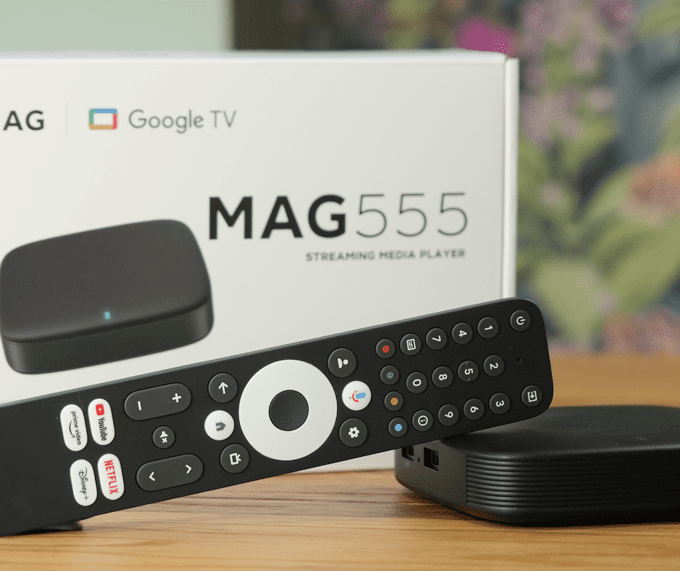
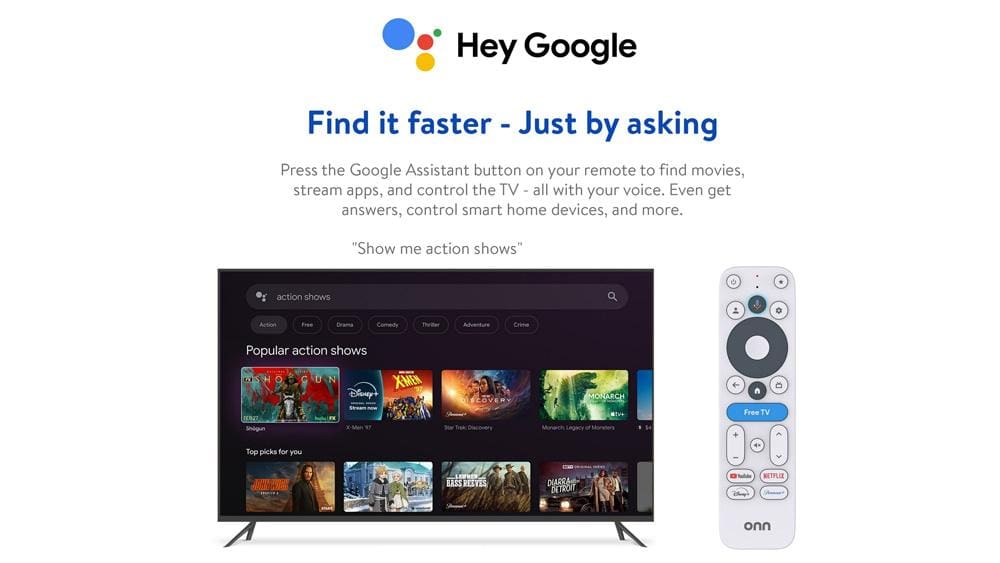
The remote’s standout feature is the integrated Google Assistant. A simple press and hold of the dedicated button launches voice commands, which operate exceptionally well.
This functionality is incredibly convenient for quickly launching apps, searching for specific content (just say, “Okay Google, play the latest episode of [show name]!”), controlling playback, and retrieving general information.
In this case, the microphone’s responsiveness is top-notch.
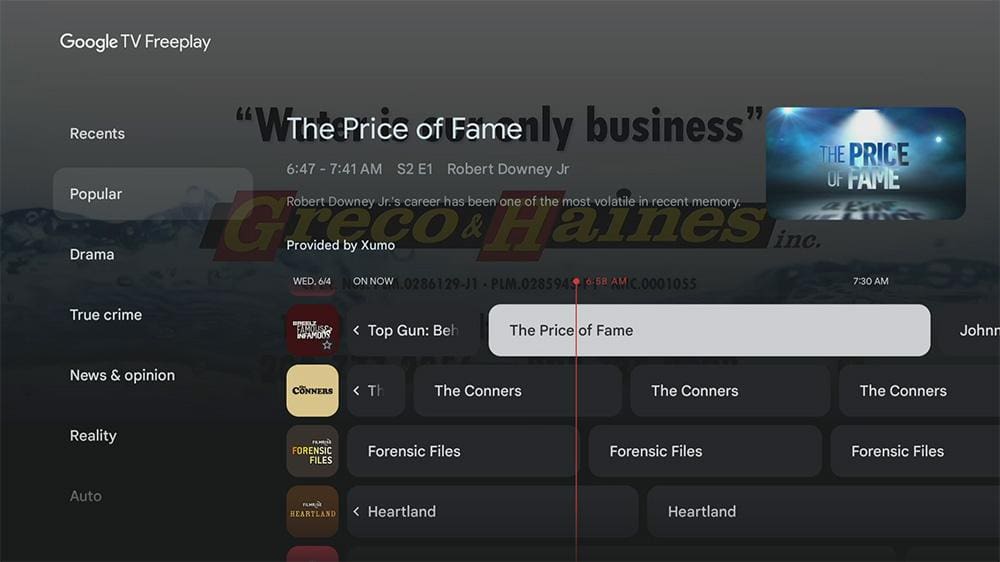
Additionally, you might have noticed the intriguing ‘Free TV’ button. In the U.S., this button takes you directly to Google TV’s built-in free channels (Freeplay), allowing you to enjoy live TV without needing extra apps or subscriptions.
Ultimately, it’s a surprisingly handy shortcut to live television, making the onn 4K Plus even more attractive for users looking for seamless entertainment options.
If you’re considering a purchase, this onn 4K Plus review highlights all the features that elevate your viewing experience.
Benchmarking Brilliance: Outperforming the Competition
In this onn 4K Plus review, we examined the device’s performance through a series of benchmarking tests, and the results are impressive.
- Startup Time: The onn 4K Plus powers on to the home screen in just 15 seconds, allowing users to access their content almost instantly.
- App Launch Speed: Popular streaming applications launch within a quick 3-5 seconds, highlighting the device’s responsiveness and efficiency.
- Video Playback Performance: Streaming 4K content from platforms like Netflix and YouTube delivers crisp visuals without any buffering, given a strong internet connection.
Overall, this review indicates that users can look forward to a smooth and dynamic viewing experience with the onn 4K Plus.
| Geekbench 6 (CPU Single-Core) | Geekbench 6 (CPU Multi-Core) |
|---|---|
| 1146 | 3131 |
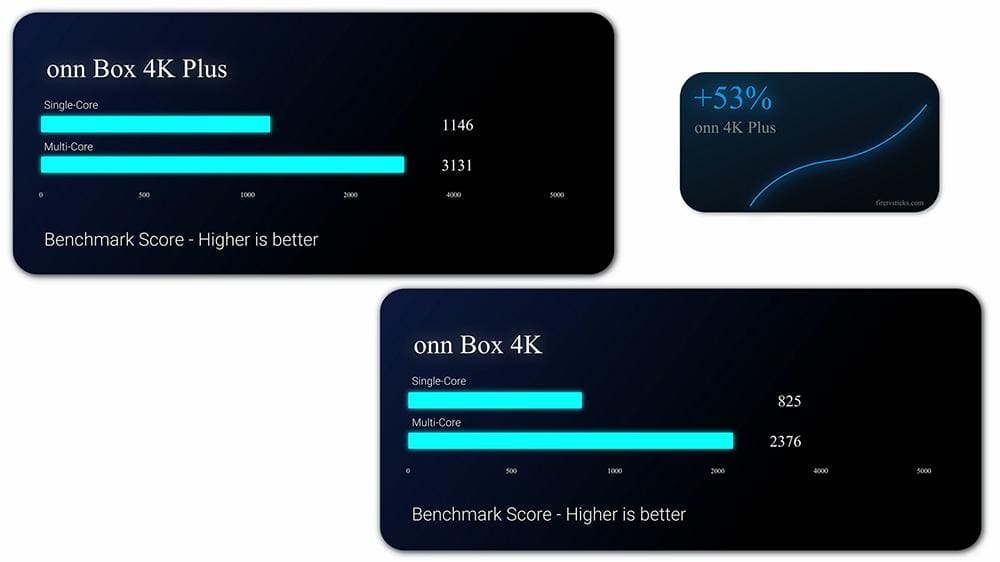
Benchmarking suggests the onn 4K Plus truly delivers! It scored around 1146 in single-core and 3131 in multi-core on Geekbench. This little box impressively outperforms the previous onn 4K Box by a whopping 53%!
But it doesn’t stop there – it even outpaces the Google TV Streamer by 24%, a device that costs nearly $100! And in a surprising twist, it even beats Amazon’s top-of-the-line streaming stick, the newest 4K Max, by 11%. This all points to a surprisingly robust performance for such a budget-friendly device.
For users curious about high-end alternatives, our NVIDIA Shield TV Pro Review highlights what you gain (and what you pay) by stepping up to a premium streamer.
Beyond the Play Store: Sideloading Capabilities
Many users are seeking alternatives to Fire TV Sticks, often due to sideloading capabilities. The big question is: can this little guy be sideloaded with apps outside the Google Play Store?
The answer is a resounding yes! As the onn 4K Plus runs Google TV (which is based on Android), the ability to install other apps is a well-established feature. If sideloading is something you’re interested in, the process is straightforward, and plenty of online guides our dedicated video can walk you through it step-by-step.
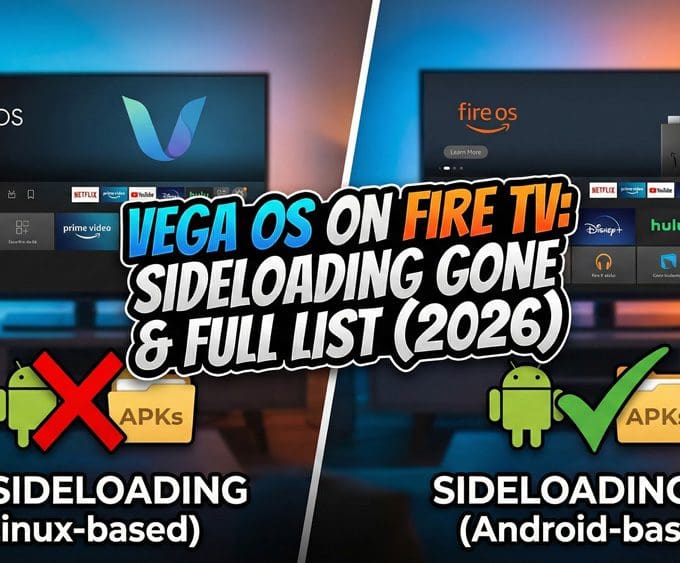
It’s also worth noting that sideloading won’t be around forever—Google has already announced changes coming soon. Our piece on Google Bans Sideloading on Android TV & Google TV by 2026 explains what this means for devices like the Onn 4K Plus.
Unlock Hidden AI Upscaling on Your Onn 4K Plus
The onn 4K Plus is noted for a hidden advantage: its AI upscaling capabilities, which are made possible by the Amlogic S905X5M processor. While Walmart has set the upscaling option to “Low” by default and keeps the settings concealed, it is possible to unlock its full potential by utilising a custom launcher such as Projectivy Launcher.
This third-party app is designed to provide access to additional hidden settings within the Amlogic processor, allowing users to select among four upscaling intensities: Off, Low, Medium, and High. Additionally, Projectivy features an AISR Demo mode, which splits the screen to exhibit a real-time side-by-side comparison of the original video and the upscaled version.
In practice, a noticeable improvement in sharpness can be observed when transitioning from Low to Medium settings. However, the differences between “Off” and “Low,” as well as those between “Medium” and “High,” are often subtle, which may result in the feature going unnoticed.
It has been reported by some users that the AI upscaling may revert to its default “Low” setting after being changed, so it may be necessary to re-enable it each time it is desired for use.
Expanding Connectivity: The USB-C Advantage (and Caution)
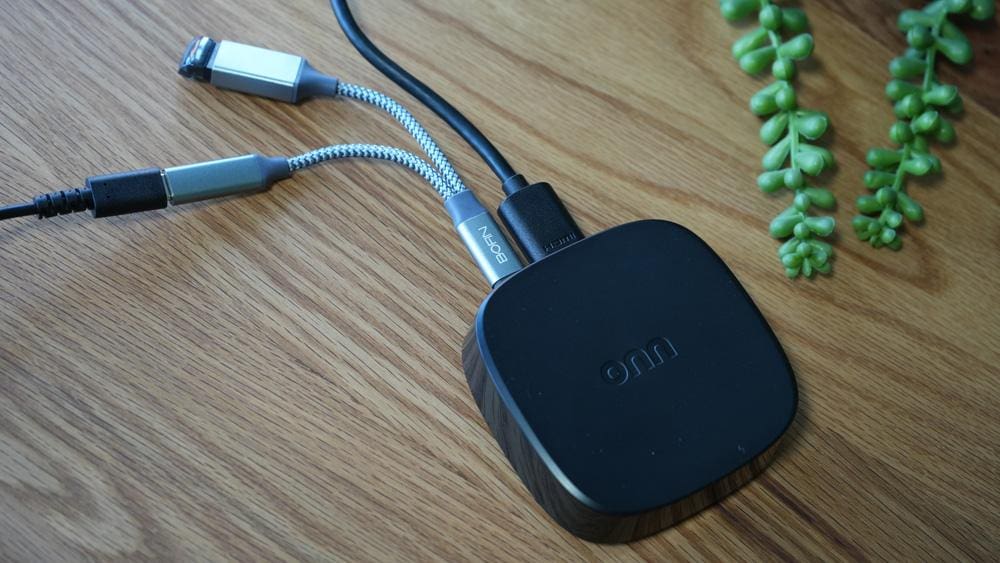
In this onn 4K Plus review, I want to highlight a notable design choice: the power adapter connects via USB-C. This modern port opens up interesting possibilities. For instance, with an appropriate OTG-C cable, you can theoretically connect peripheral devices like external storage drives or even Ethernet adapters directly to the box.
However, during my testing, I found that this functionality was not consistently reliable. Although it’s technically possible to extend its connectivity, the device truly excels as a standalone streamer. Stretching its connectivity beyond its primary design can lead to potential frustrations.
Overall, while the onn 4K Plus has some flexibility, its best use comes from utilising it as intended, ensuring a smoother streaming experience.
For more streaming device comparisons, alternatives, and detailed reviews, explore our Streaming Devices hub.
Final Thoughts: Is the Onn 4K Plus Your Next Streamer?
For its price point, this streaming device is truly a game-changer. It delivers a feature-rich 4K streaming experience that significantly outperforms its cost. With robust specifications, a fluid Google TV interface, and impressive performance, it stands out as a strong contender in the budget streaming market.
If you’re looking to upgrade an older streaming device, need a powerful yet affordable 4K option for a secondary TV, or simply want to explore 4K streaming without overspending, the Onn 4K Plus offers exceptional value.
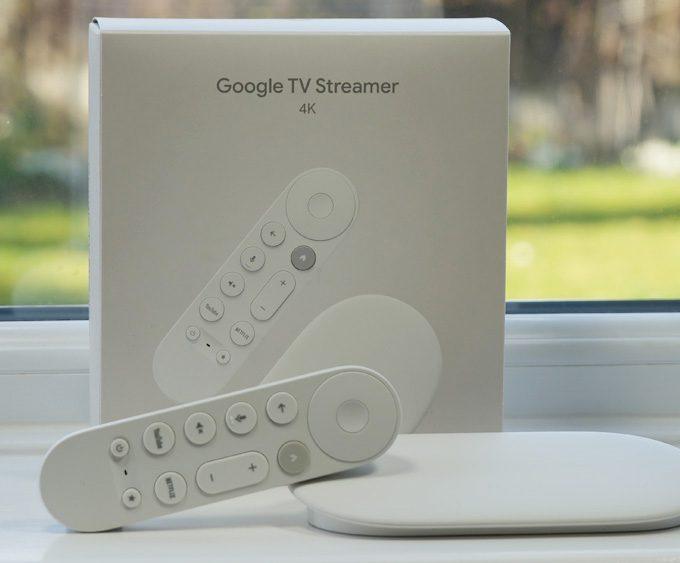
If you’d rather invest in something more future-proof, the Google TV Streamer 4K and NVIDIA Shield TV Pro offer compelling alternatives.
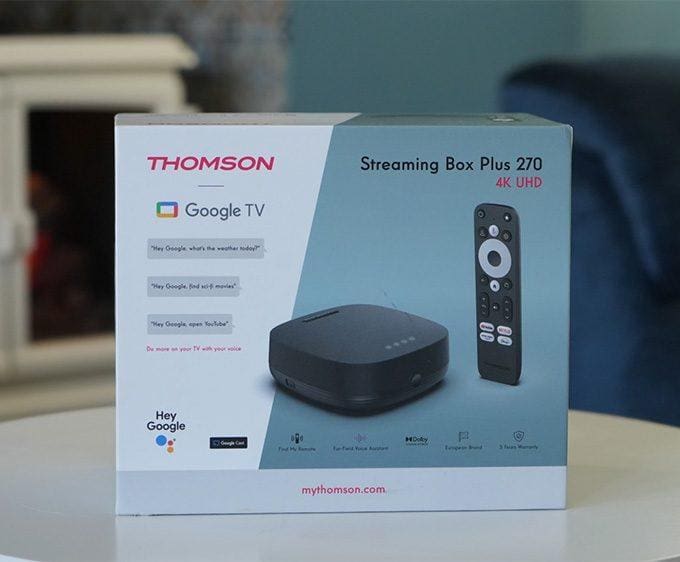
⚠️ Please note: The Onn 4K Plus is currently only recommended for users in the US and Puerto Rico, as it is only available for purchase in these locations. However, the Thomson Streaming Box Plus 270 — made by the same manufacturer — is widely available across Europe and offers a nearly identical streaming experience for international users.

Review Overview
Summary
The onn 4K Plus impresses with its incredibly aggressive price point, robust performance, and feature-rich Google TV experience, making it a standout option in the market. Although it has some minor drawbacks, such as the absence of a dedicated Ethernet port and basic build quality, these issues are easily overshadowed by its strengths. For most users seeking an affordable, high-quality 4K streaming experience, the onn 4K Plus hits virtually all the right notes. In this onn 4K Plus review, it’s clear that this device offers exceptional value for money.
The Pros
Unbeatable Price Strong Performance Vibrant 4K & HDR Support Intuitive Google TV Generous 16GB Storage Google Assistant & Voice Remote Sideloading CapabilityThe Cons
No Ethernet Port Basic Gaming Limited Storage Expansion Plastic Build- Value for Money10
- Core Streaming Performance9
- User Experience & Features8.5
- Storage & Customization7
- Connectivity & Build Quality6
- Gaming Capability5

Leave a comment