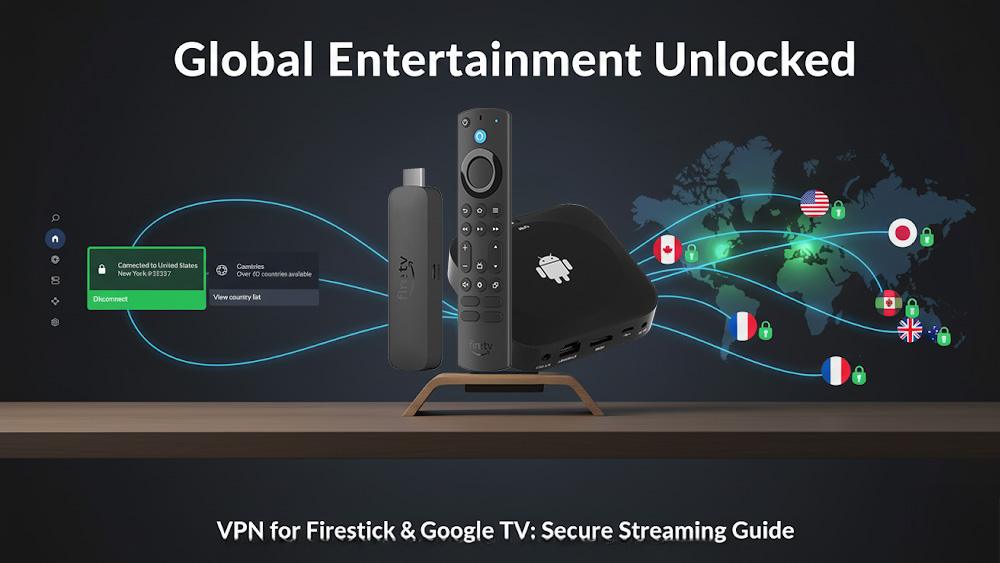
How to set up and use VPNs on Firestick & Google TV for secure streaming, privacy, and geo-unblocking.
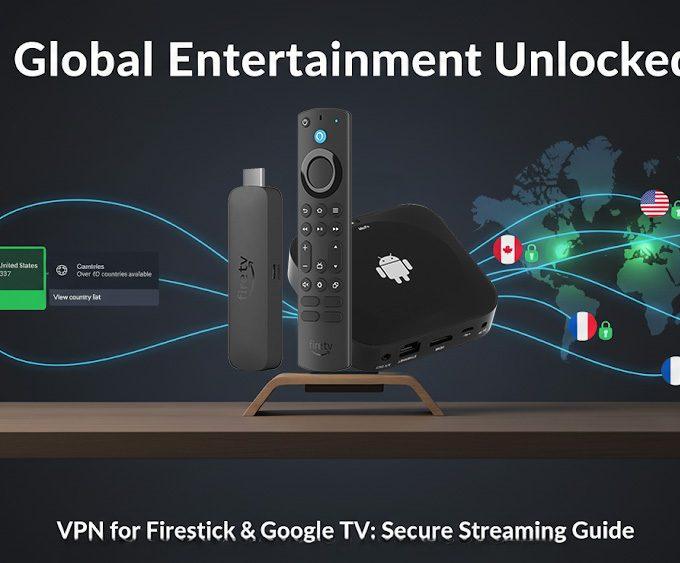
Streaming on Firestick and Google TV opens up a world of entertainment. However, without extra protection, your privacy and access can be limited. A VPN for Firestick not only keeps your online activity secure but also unlocks geo-restricted content worldwide. In this guide, weβll explain why a VPN is essential, how to install it, and which tips will help you get the most from your streaming experience.
See also: Vega OS: Amazonβs Rumoured Replacement for Fire OS.
For more expert tutorials like this, explore our Advanced Tips & Tricks hub, where we cover VPN setup, device optimisation, and advanced streaming techniques.
A VPN, or Virtual Private Network, hides your IP address and encrypts your internet traffic. When using a VPN for Firestick, you gain two big advantages: privacy and content freedom.
Moreover, a VPN adds a layer of security that makes your device more resilient against online threats.
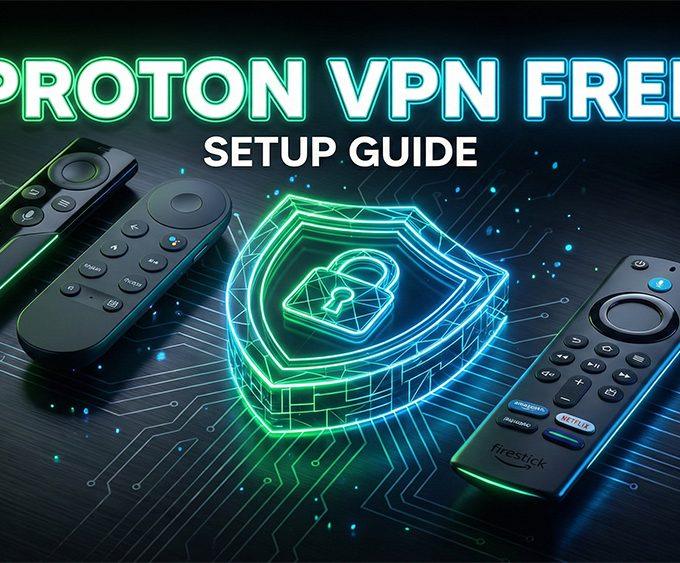
If you prefer a completely free option, you can follow our step-by-step guide on installing Proton VPN Free on Firestick & Google TV for added privacy and protection.
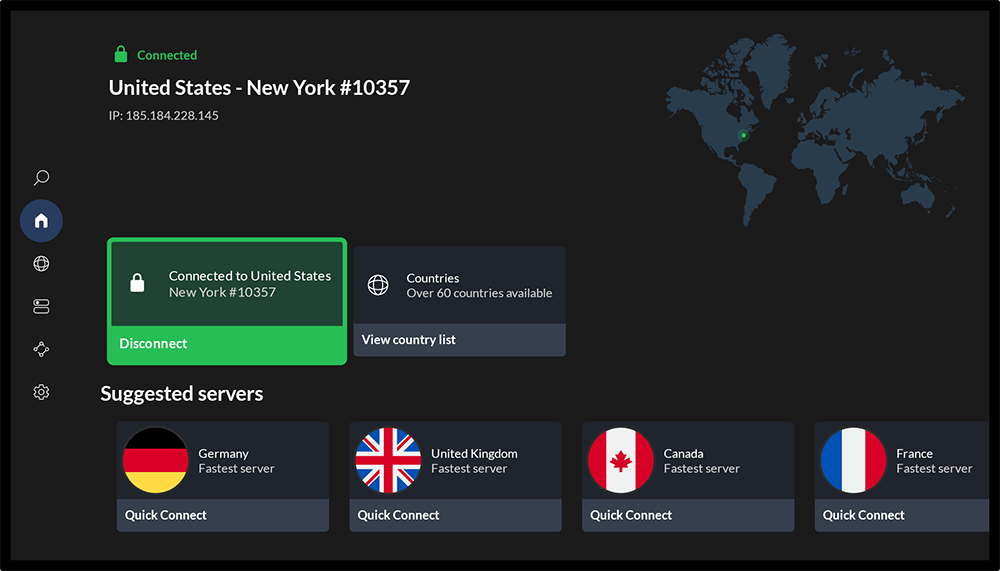
When connected to a VPN, your streaming device can bypass ISP throttling, avoid surveillance, and access more content. In addition, the best VPNs have dedicated apps for Fire TV and Google TV, making setup simple.
Furthermore, many VPNs optimise their servers for streaming platforms, so you enjoy smoother playback and fewer buffering interruptions.
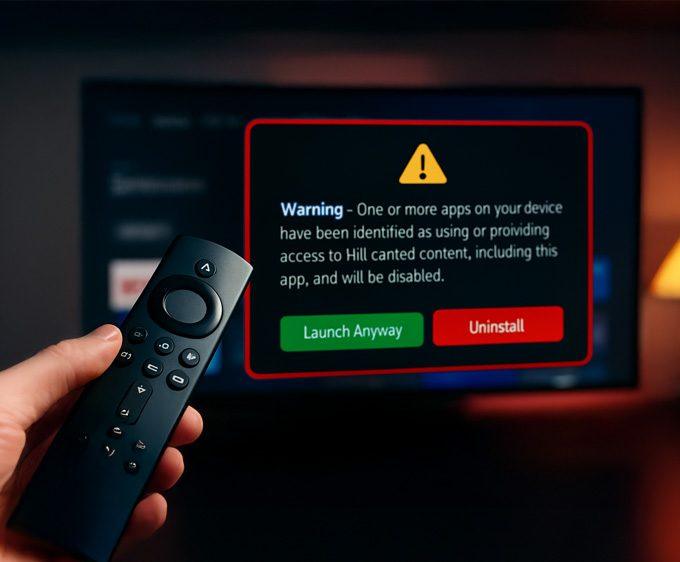
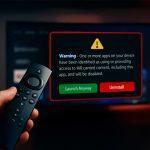
However, if an app refuses to open even when your VPN is working, it may not be a network issue β some Fire TV devices now show a new alert when certain apps are flagged. You can see the exact Firestick warning message and the list of affected apps here: πΒ Firestick Blocks Are Now LIVE: The Exact Warning & Full List of Affected Apps.
See also:
Not every VPN works well on Fire TV. Therefore, youβll want to check for:
π We recommend NordVPN for Fire TV & Google TV because it strikes a balance between speed, security, and streaming reliability. In fact, it is one of the most trusted providers worldwide.
Installing a VPN for Firestick is straightforward:
If your VPN isnβt available in the Appstore, you can sideload it using the Downloader app. For example, see our guide: How to Sideload Apps on Fire TV & Google TV Safely (2025 Guide).
For Google TV, installation is even simpler:
π Start streaming with NordVPN for Fire TV & Google TV.
You can also browse our full Streaming Guides & How-To hub for setup tutorials, optimisation tips, and Firestick/Google TV how-to guides.
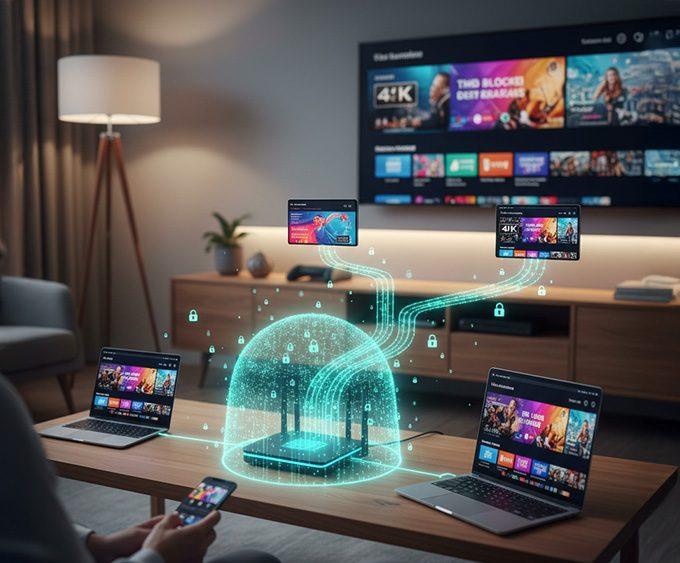
For a whole-home solution, you can also set up a VPN on your router to cover every device without installing apps individually.
A VPN for Firestick is one of the easiest ways to secure your streaming and unlock a wider content library. With quick setup and reliable apps, VPNs like NordVPN make your device more powerful. If you want privacy, freedom, and faster streaming, a VPN should be part of your setup.
π Try NordVPN for Fire TV & Google TV and experience secure streaming today.
For more advanced Firestick and Google TV tutorials, visit our Advanced Tips & Tricks hub.
No. Only some VPNs have native Fire TV apps. NordVPN is one of the most reliable options.
Yes. VPNs are legal in most countries, though bypassing app restrictions may break terms of service.
A high-quality VPN for Firestick should not cause noticeable slowdowns. NordVPN offers fast servers designed for streaming.
Yes, but only trusted providers. For example, Proton VPN Free works safely on Firestick and Google TV, and you can install it using our detailed setup guide.
Visit an IP checker website on your Firestick browser. If your location shows the VPN serverβs country, itβs working.
Tanya is the founder of unboxd.tech, where she shares guides, reviews, and tips on streaming devices and apps. She focuses on making streaming simple with practical fixes and smart home insights.
If you want a private, secure, and reliable way to stream on...
ByTanya3 weeks AgoRunning a VPN on each device in your home can be time-consuming....
ByTanya3 months AgoThe ONN 4K streaming box is now region-locked to the United States...
ByTanya3 months AgoThe NVIDIA Shield TV remains one of the most powerful streaming devices....
ByTanya4 months Ago
Hi Tanya
I really enjoyed your previous website for fire tv and miss the large selection of apps that were available for Fire TV. Is that every coing back?
Hi. my old website firetvsticks is still up and running. You can still visit it as well as use Downloader code 28907 as usual.