The ONN 4K streaming box is now region-locked to the United States and Puerto Rico. As a result, many international users are frustrated. In this guide, we will show you how to unlock ONN streaming box outside US using VPN routers and Windows PC hotspots so you can keep streaming worldwide.
For more tutorials like this, browse our Advanced Tips & Tricks section, where we cover VPN setup, device optimisation, and expert streaming solutions.
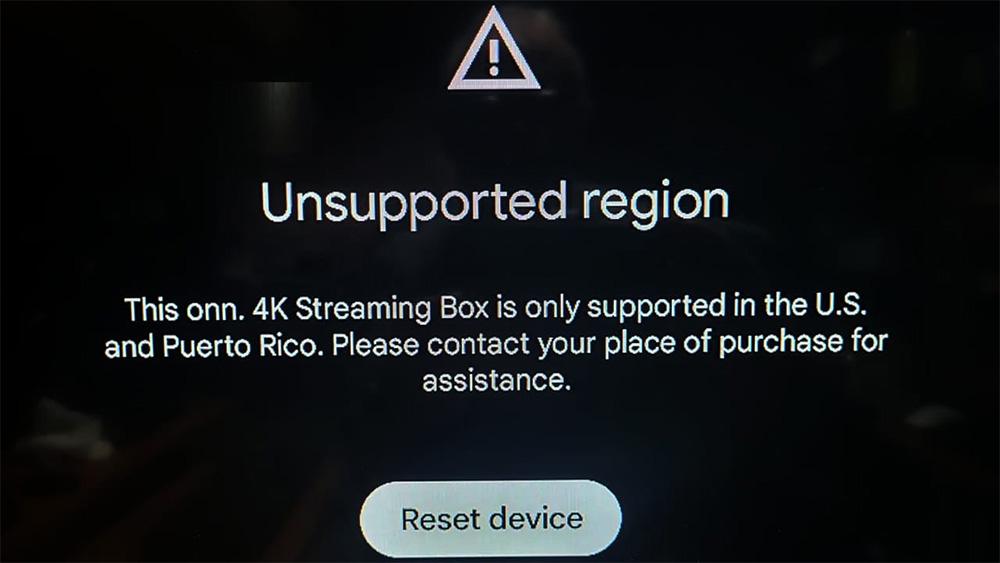
The ONN 4K streaming box is one of the best-value Android TV devices on the market, but since late 2024, it has been region-locked to the United States and Puerto Rico. If youβre abroad, youβll likely hit the dreaded βunsupported regionβ error.
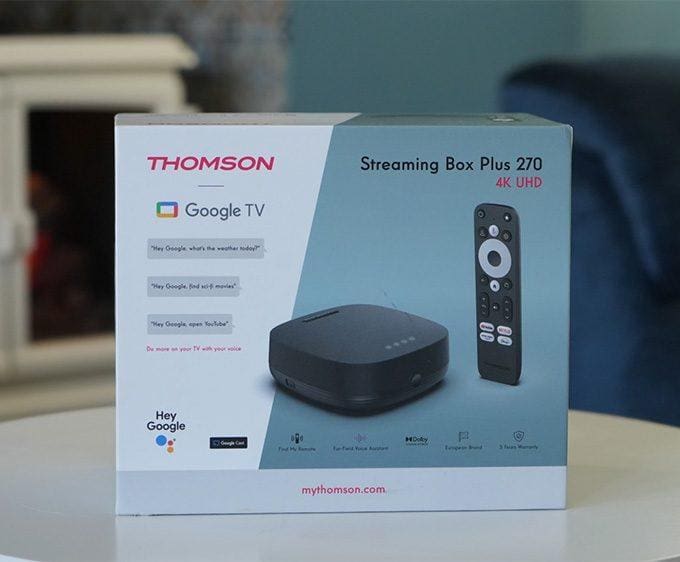
According to reports, the move was likely intended to curb grey-market exports. In addition, it helps Walmart strengthen its domestic streaming ecosystem, especially as competition from Thomsonβs budget Android TV boxes grows in Europe.
Unfortunately, this left many users stuck in a frustrating reset loop. However, there are reliable ways to get around the restriction.
Even with the region lock in place, there are reliable ways to get your ONN 4K box working abroad. Below, weβll walk through the best methods β from VPN routers to Windows hotspot sharing β so you can continue streaming without restrictions.
If you also use Firestick, Google TV, or Android TV devices and want an easy no-cost VPN option, our Proton VPN Free setup guide shows you how to install a safe, no-logs VPN directly on your streaming device.
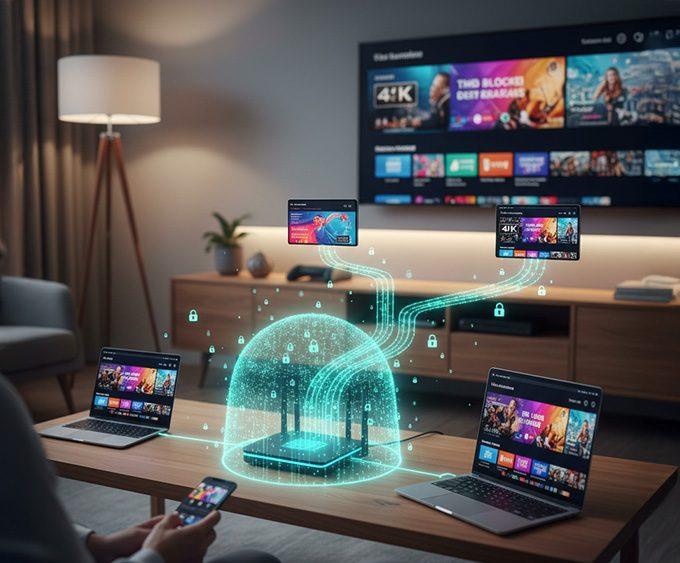
Set up a VPN profile (like NordVPN) on a compatible router. Once configured, every device connected to itβincluding your ONN boxβappears as if itβs in the US. This is the most stable, long-term solution.
If you donβt already own one, you can pick up a dedicated VPN router such as the ASUS RT-AX86U (Amazon) or browse pre-configured models at FlashRouters. Both options save time and ensure smooth VPN performance across all your devices.
π If you need a detailed walkthrough, see our full guide on how to set up a VPN on a router.
You can also explore our Streaming Guides & How-To hub for step-by-step tutorials, device setup guides, and optimisation tips for Firestick, Google TV, and Android TV.
Most Android/iOS hotspots donβt pass VPN traffic by default. Therefore, this method often requires rooting or jailbreaking your device, making it a poor choice unless youβre very experienced.
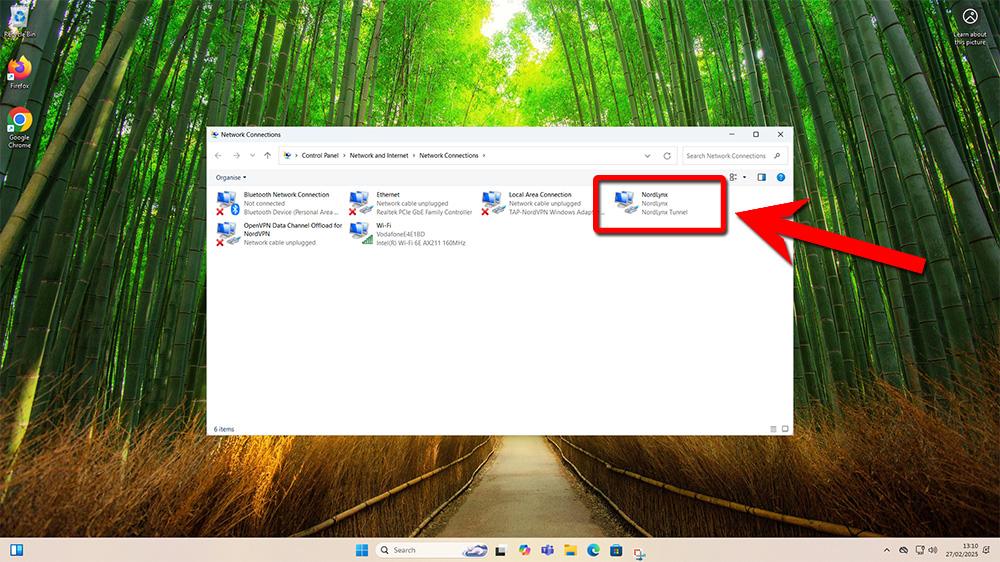
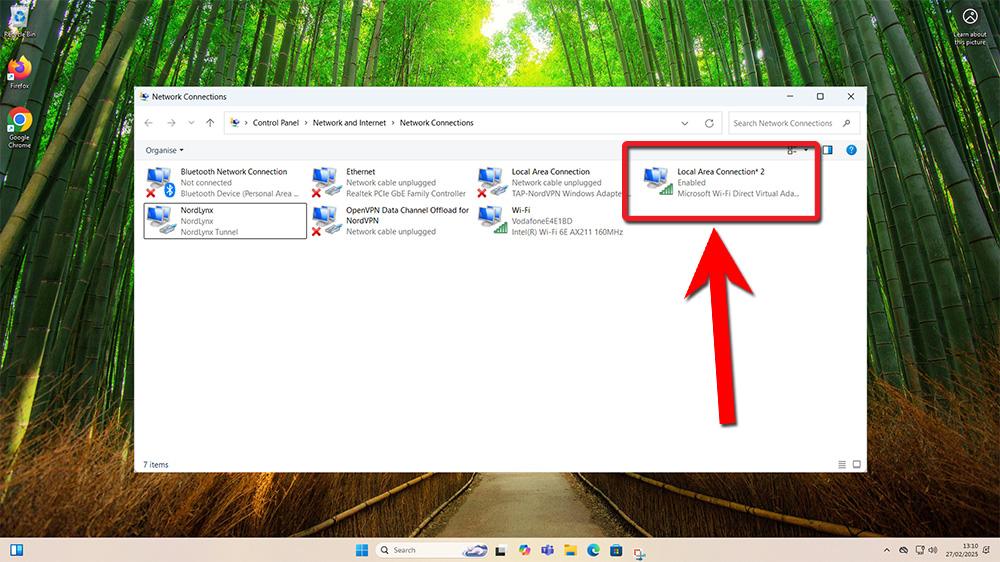
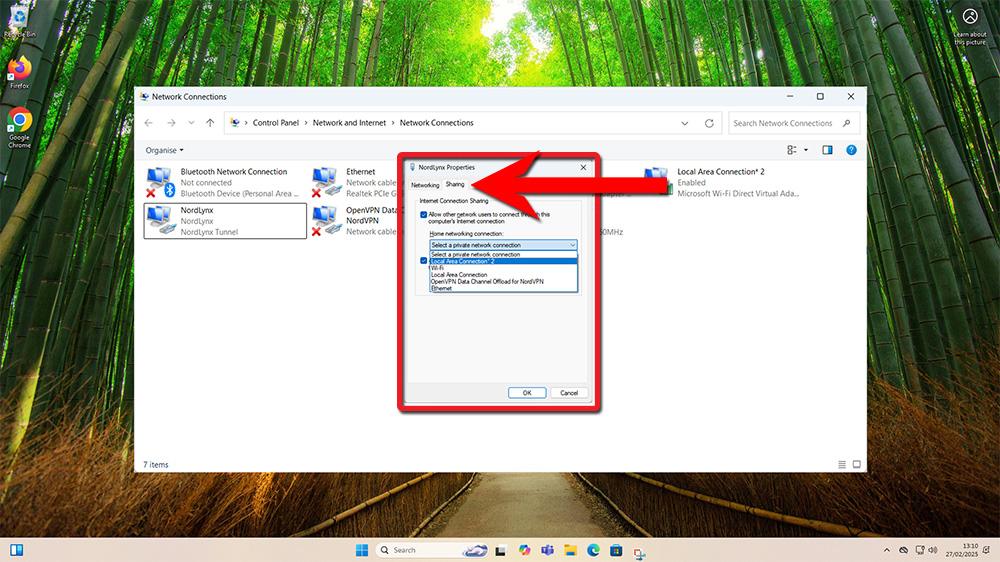
A Windows PC hotspot can share your VPN connection with the ONN box. Although it takes more setup, it is a solid option if you canβt use a VPN router.Β Hereβs how:
This method helps you unlock ONN streaming box outside US by sharing a US-based VPN connection from your Windows PC to the ONN box.
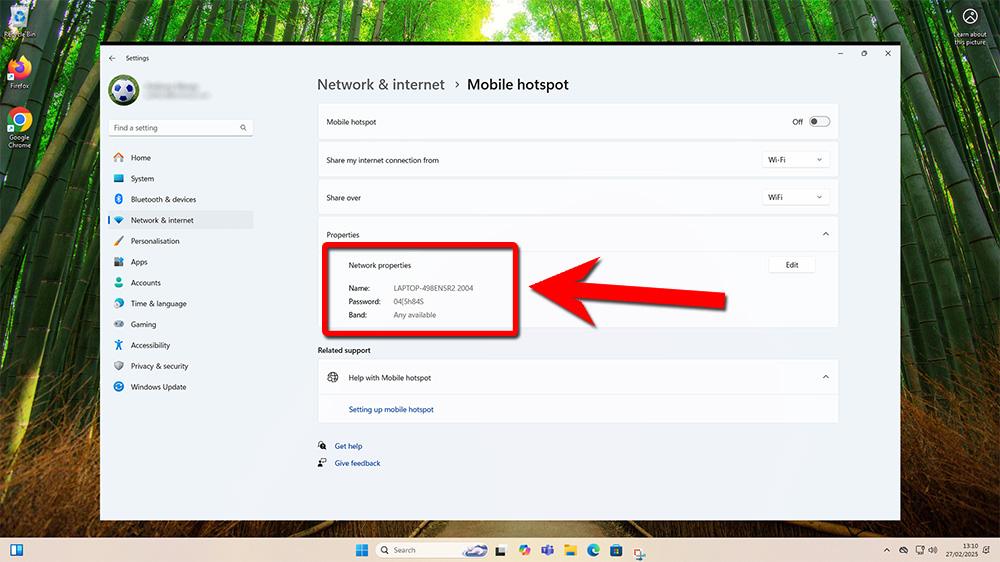
What youβll see: your SSID and password under Network properties.
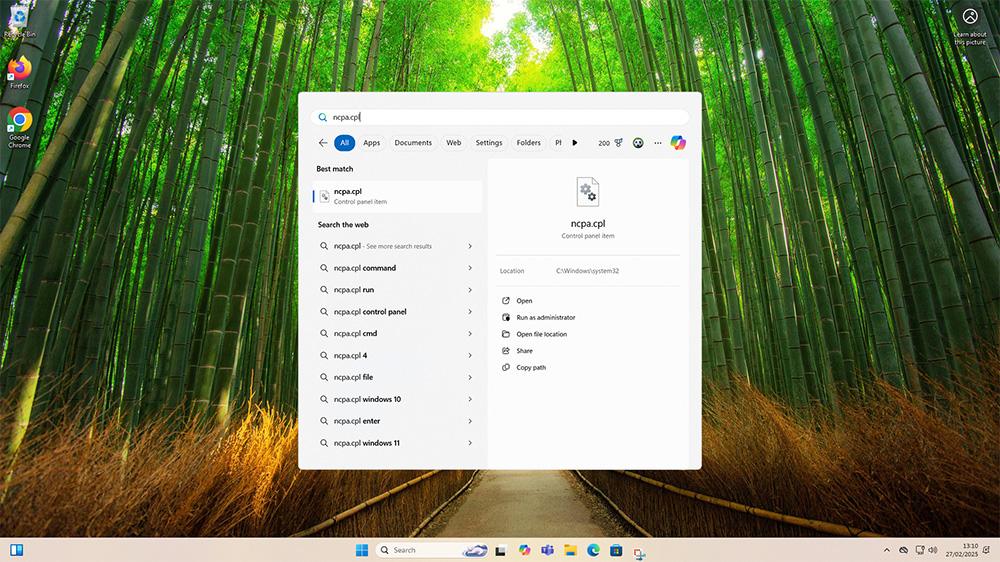
ncpa.cpl, press Enter.
If the dropdown doesnβt show your hotspot adapter:
Once setup is complete, the ONN box wonβt keep checking your region. Therefore, you can disable the hotspot and VPN sharing without breaking functionality.
The ONN 4K Streaming Box may be designed for US audiences, but with a VPN router or PC hotspot, you can easily bypass geo-lock restrictions abroad. Ultimately, this ensures your ONN streaming box works anywhere.
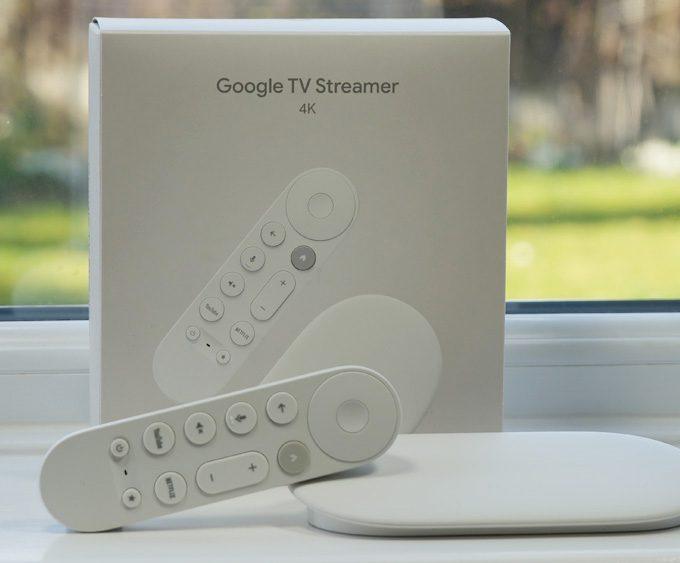
Looking for alternatives? See our Onn 4K Plus Review for the best-value budget box, or consider the Google TV Streamer 4K and NVIDIA Shield TV Pro if you want more power and fewer restrictions.
π For a hassle-free setup, we recommend a VPN router solution β it works across all your devices, not just ONN.
For more advanced streaming tutorials, visit our Advanced Tips & Tricks hub.
ONN introduced a geo-lock in a 2024 firmware update to limit use of its budget streaming devices to the US and Puerto Rico. This move helps Walmart control exports and strengthen partnerships in its home market.
You can unlock your ONN streaming box outside the US by using a VPN router, Smart DNS, or a Windows PC hotspot that shares a US-based VPN connection. These methods trick the device into thinking itβs located in the US.
The most reliable method is to set up a US VPN profile directly on a compatible router. Once configured, every device on that networkβincluding your ONN boxβappears as if itβs in the US.
In most cases, no. Once setup is complete, the device works as expected. However, using a VPN may slightly reduce internet speeds, depending on your provider.
Tanya is the founder of unboxd.tech, where she shares guides, reviews, and tips on streaming devices and apps. She focuses on making streaming simple with practical fixes and smart home insights.
If you want a private, secure, and reliable way to stream on...
ByTanya3 weeks AgoRunning a VPN on each device in your home can be time-consuming....
ByTanya3 months AgoStreaming on Firestick and Google TV opens up a world of entertainment....
ByTanya3 months AgoThe NVIDIA Shield TV remains one of the most powerful streaming devices....
ByTanya4 months Ago
Just want to point out that Onn Boxes purchased at Walmart in Canada work just great and are probably geolocked to Canada but if you live here like I do itβs great I have two and like them very much.
I need to do this as my ONN boxes were purchased in the US and I live in Canada.
After I use the VPN to unlock the region issue do I still have to keep the VPN running?
The reason I ask I if there is an update to the box and it detects my Canadian IP will it not update or even worse brick the box.
Thanks.
No, as mentioned in the blog post section, “After Setup: Cleanup Steps:
Once setup is complete, the ONN box wonβt keep checking your region. Therefore, you can disable the hotspot and VPN sharing without breaking functionality.”