Friday , 2 January 2026
Home Streaming Guides & How-To Advanced Tips & Tricks NVIDIA Shield Tips: Top 5 Hidden Features You Should Try
Advanced Tips & Tricks

NVIDIA Shield Tips: Top 5 Hidden Features You Should Try

Unlock hidden tricks and advanced settings to get the most out of your NVIDIA Shield TV in 2025.

NVIDIA Shield Tips

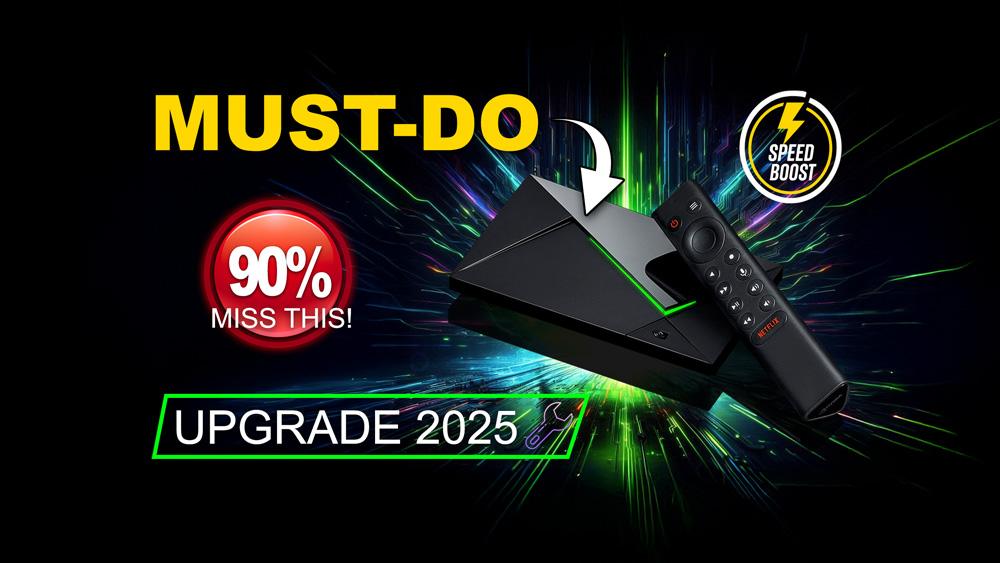
The NVIDIA Shield TV remains one of the most powerful streaming devices. However, many users don’t realise it hides advanced settings that can boost performance and usability. In this guide, we reveal the top 5 NVIDIA Shield tips every owner should know. For a full breakdown of the hardware, check out our NVIDIA Shield TV Pro Review.

For more expert-level device tutorials, explore our Advanced Tips & Tricks hub for hidden features, optimisation guides, and pro streaming setup advice.

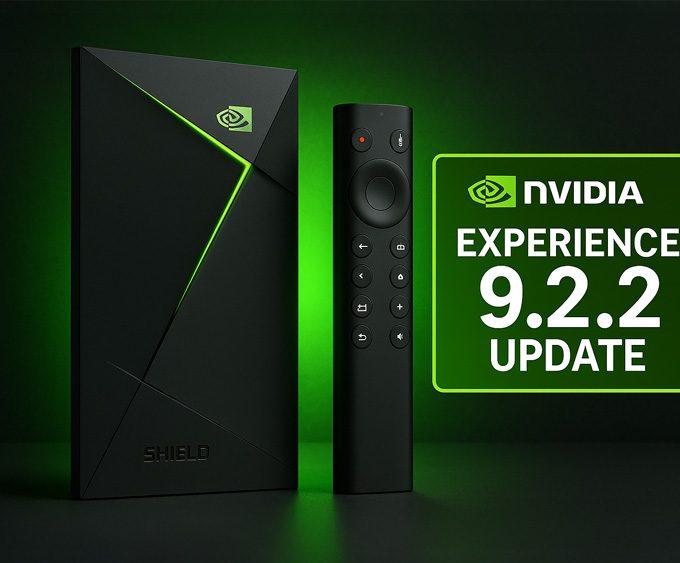
Before diving into the hidden features, make sure your Shield TV is fully updated. NVIDIA continues to release meaningful firmware updates, and the latest Shield Experience 9.2.2 update adds new accessibility tools, improves remote responsiveness, and fixes the long-running Disney+ audio dropout bug. Updating first ensures every tip here works exactly as intended.

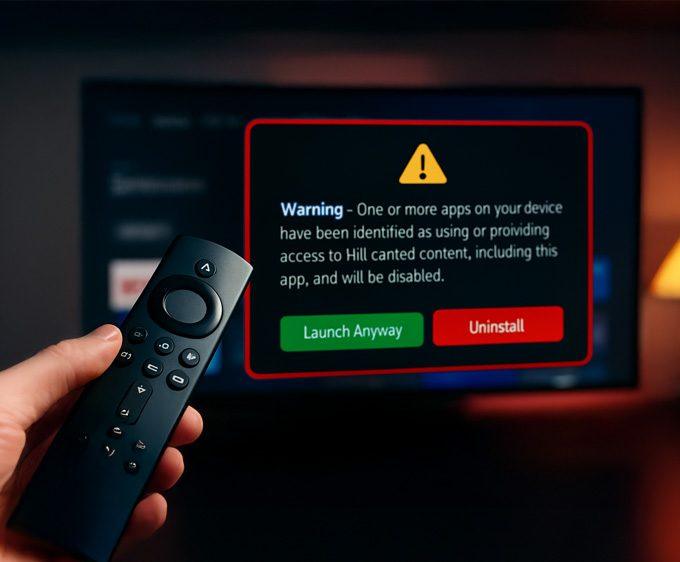
If you also use a Firestick and notice certain apps no longer opening, it may not be a performance issue β€” some Fire TV models now show a new alert when apps are flagged. You can see the exact Firestick warning message and the list of affected apps here: πŸ‘‰Β Firestick Blocks Are Now LIVE: The Exact Warning & Full List of Affected Apps.

If you also want to add a layer of privacy or protect your Firestick or Google TV from ISP tracking, our Proton VPN Free setup guide walks you through installing a safe, no-logs VPN on any streaming device.

1. NVIDIA Shield Tips: Enable AI Upscaling

AI upscaling is one of the Shield’s standout features. For example, it enhances HD content so it looks closer to true 4K. To enable it, go to Settings β†’ AI Upscaling. Choose β€œEnhanced” or β€œAI-Enhanced.”

πŸ‘‰ In addition, NVIDIA provides detailed steps in their Shield TV support guide.

2. NVIDIA Shield Tips: Customize Quick Settings with Button Remapper

You can remap remote buttons to launch apps or shortcuts. For instance, set the Netflix button to open YouTube or your favourite app. Install β€œButton Mapper” from Google Play to do this.

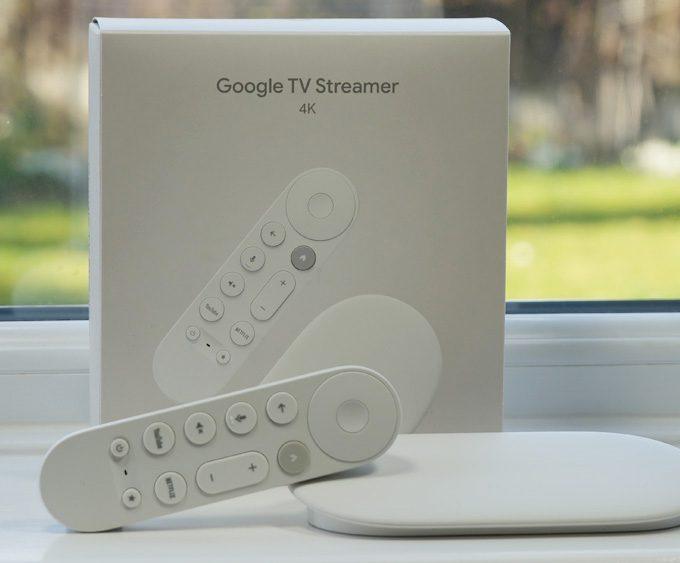
πŸ‘‰ On the other hand, if you prefer alternatives, our Google TV Streamer 4K Review highlights other devices with flexible navigation.

3. Shield TV Hidden Features: Unlock GameStream

Shield TV supports NVIDIA GameStream, letting you play PC games on your TV. As long as you have a compatible GeForce GPU, you can stream games from your computer to your Shield. Use the NVIDIA Games app to set it up.

Therefore, this feature is ideal for gamers who want a console-like experience without buying extra hardware.

You can also browse our full Streaming Guides & How-To hub for setup guides, performance fixes, and advanced streaming techniques across Fire TV, Google TV, and NVIDIA Shield.

4. Shield TV Hidden Features: Developer Options

Like Android phones, Shield TV has hidden developer settings. To unlock them, go to Settings β†’ About β†’ Build number. Tap seven times to enable Developer Options.

Afterwards, you can adjust background process limits or enable USB debugging. As a result, you gain more control over performance and system behaviour.

5. NVIDIA Shield Tips: Expand Storage with Adoptable Storage

Running out of space? Fortunately, Shield TV supports adoptable storage. Insert a USB drive or SD card, then select β€œFormat as internal storage.”

Because of this, the device merges the storage with system memory. Consequently, you can install more apps and games without worrying about space.

Conclusion

These NVIDIA Shield tips unlock hidden potential in your device. With AI upscaling, button remapping, GameStream, developer tweaks, and adoptable storage, you’ll maximise performance and usability.

For more NVIDIA Shield tutorials and pro-level device tweaks, visit our Advanced Tips & Tricks hub.

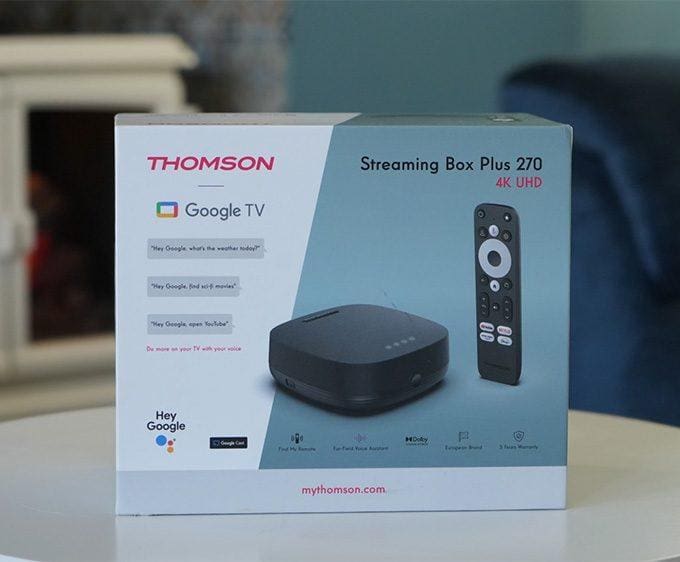
For more insights, revisit our NVIDIA Shield TV Pro Review. On the other hand, if you want a cheaper option, read our Thomson Streaming Box Plus 270 Review.

Written by
Tanya

Tanya is the founder of unboxd.tech, where she shares guides, reviews, and tips on streaming devices and apps. She focuses on making streaming simple with practical fixes and smart home insights.

Leave a comment

Leave a Reply

Your email address will not be published. Required fields are marked *

Related Articles

Proton VPN Free on Firestick & Google TV: The Complete 2025 Setup Guide

If you want a private, secure, and reliable way to stream on...

Set Up VPN on Router Easily (2025 How-To Guide)

Running a VPN on each device in your home can be time-consuming....

How to Unlock ONN Streaming Boxes Outside the US (2025 Guide)

The ONN 4K streaming box is now region-locked to the United States...

VPN for Firestick & Google TV: Secure Streaming Guide

Streaming on Firestick and Google TV opens up a world of entertainment....